10 Source Management Tools for Thesis Writers in 2026
Compare 10 source management tools for thesis writers: pricing, Word and Google Docs integration, pros, cons, and the best use case for each.
A few days before a supervisor meeting, you open a folder called “Research” and find PDFs named download(4).pdf, article-final.pdf, and scan_02.pdf. Your draft has half-finished citations, your notes don't say which chapter a source belongs to, and you can't remember whether a key quotation came from the paper or the book describing it. The problem isn't a lack of references. It's that your sources aren't connected to the work they're meant to support.
Choosing among source management tools is a workflow decision, not just a software choice. The right fit depends on how you search, read, and write, and whether you need a reference library alone or help planning the thesis around it. The options below are grouped by working style: planning-integrated, free and open-source, Word-first, Google Docs-first, research-planning, and Mac-only. Each entry names a practical use case, a setup pitfall, and a limitation to weigh before you move your library.
Table of Contents
- Planning-integrated source management
- Free and open-source tools
- Word-first tools
- Google Docs-first tools
- Research and writing preparation
- Mac-only reference management
- How the 10 source management tools compare on cost and fit
- Choosing the Right Source Manager Before Your Next Chapter Starts
Planning-integrated source management
1. Thesis Book Project Homepage
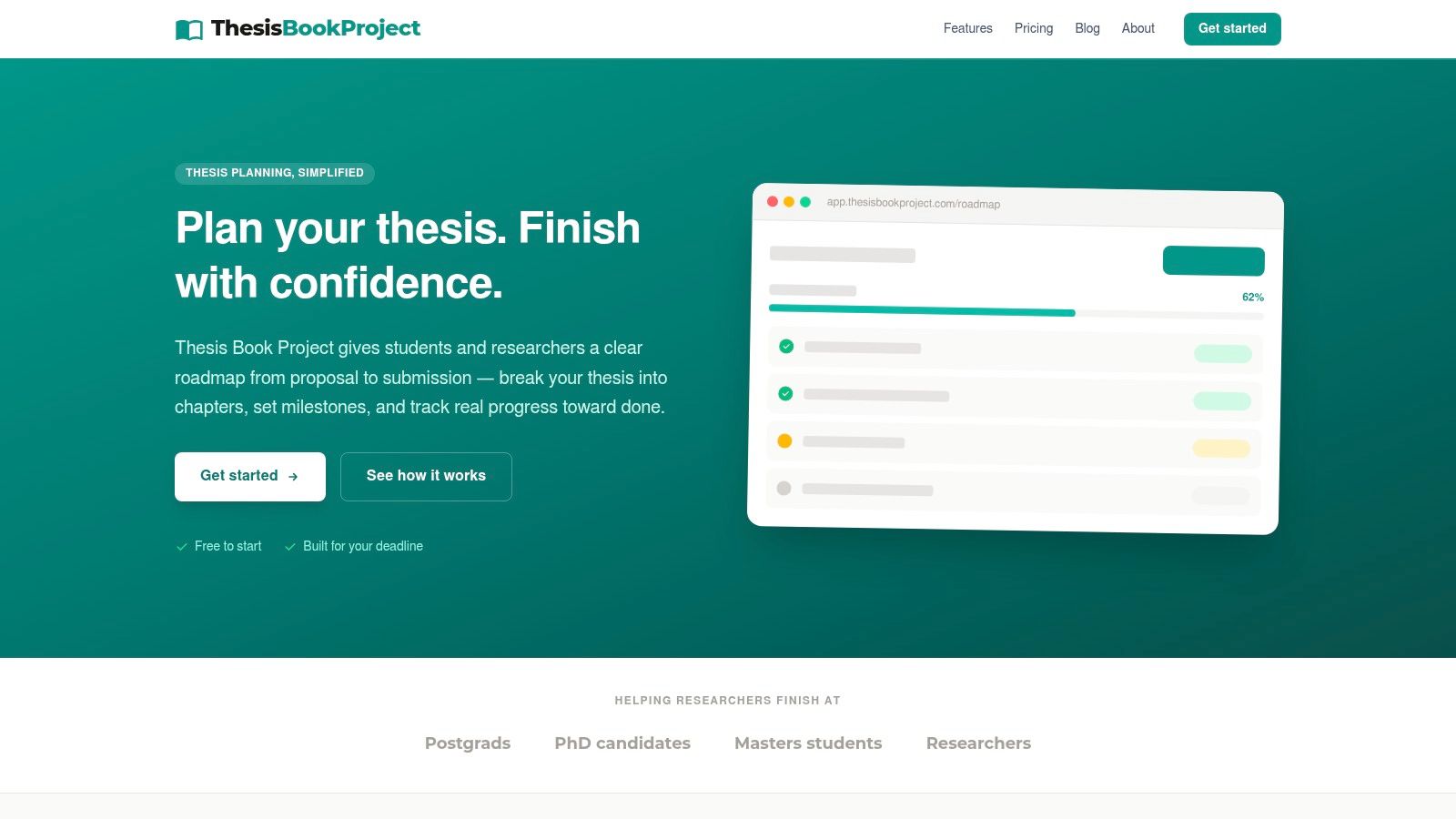
Thesis Book Project is for students who need their reference work to stay connected to the whole dissertation, not sit in a separate library until citation time. Its roadmap follows the thesis from proposal through drafting, review, and submission. The chapter tracker records progress from outline to final draft, while the source manager keeps references and reading organised alongside that chapter work.
That connection matters when a literature review becomes several chapters and a reading list starts to sprawl. Instead of treating each source as a free-floating record, you can keep reading materials aligned with the chapter they support, while checking what needs attention next. Backward scheduling from the submission date, milestone reminders, progress views, and supervisor sharing are designed to make planning and check-ins more specific.
Best fit: A student who wants a thesis roadmap, chapter tracking, and source organisation in one place, especially when a fixed submission date is driving the work.
The free Starter plan includes one project, the thesis roadmap, the chapter tracker, and community support. Pro costs $8 per month and adds unlimited projects, milestone reminders, the source manager, and progress insights. Team costs $19 per month and adds supervisor sharing, cohort dashboards, priority support, and early access features.
The setup pitfall is assuming the planner will make research decisions or write chapters for you. It won't replace supervisor guidance, careful reading, or the work of drafting. It is most useful when you set a deadline and divide the project into chapters and milestones early, then keep that plan current as the research changes.
Free and open-source tools
2. Zotero
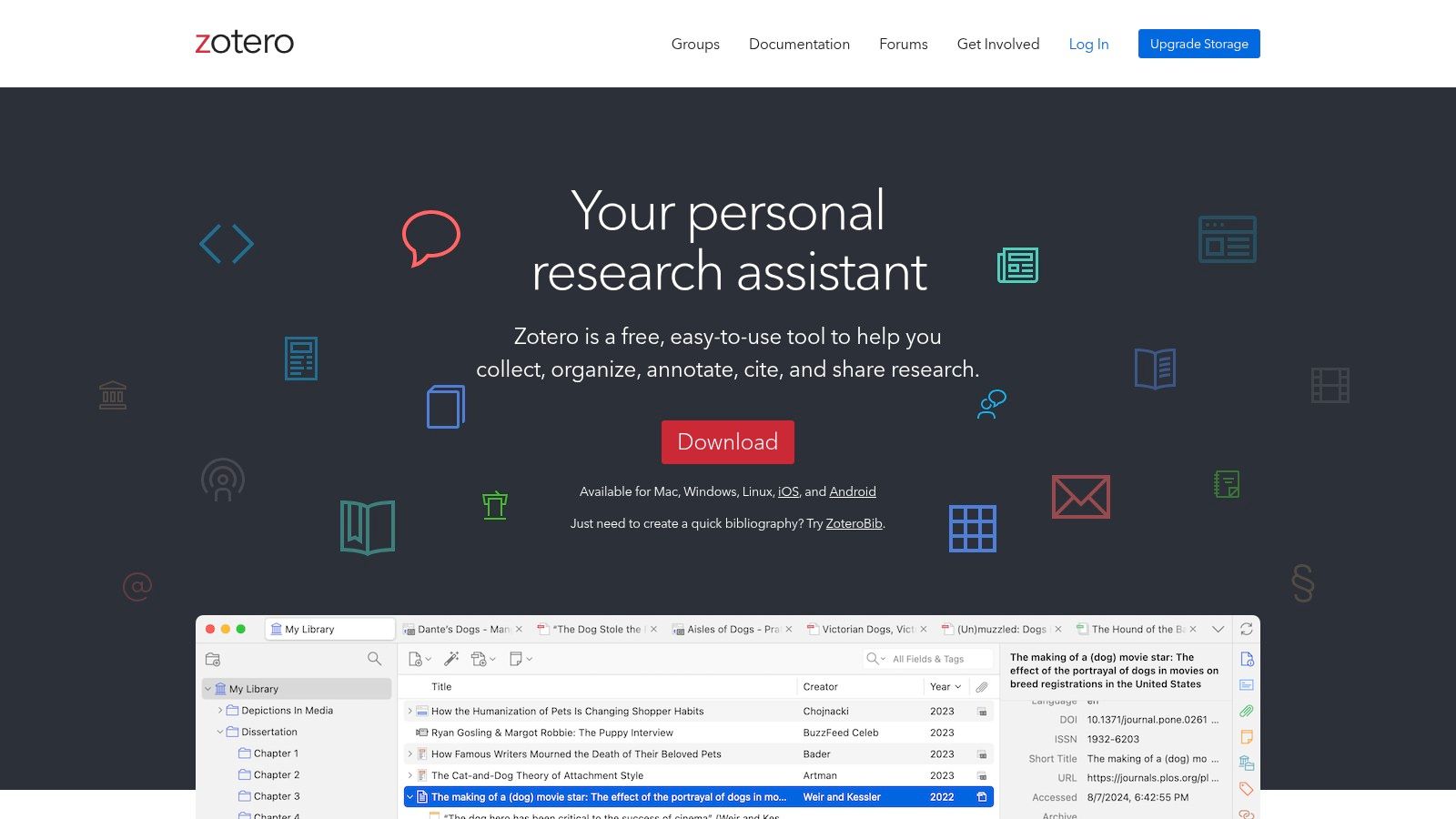
Zotero suits students who want a free reference manager that works across Windows, macOS, and Linux. During the literature search, its browser connector captures sources for collections and tags you can organise around thesis chapters or themes. You can read and annotate PDFs, then insert citations in Word, LibreOffice, or Google Docs.
Use it from the first search through the final bibliography. Group sources by chapter or theme, and use tags when a source fits several topics. That structure makes it easier to retrieve relevant reading when drafting, while avoiding a long, undifferentiated list.
Setup pitfall: Set your filing method before importing a large library. Collections and tags serve different purposes, and treating them as interchangeable can make a library harder to maintain. If you want attachments available across devices, check Zotero's current sync options before relying on cloud storage. The local library itself can be used without a subscription, but cloud storage may affect how you manage PDFs.
Zotero's flexibility is useful when your writing app or operating system may change. It does require consistent filing, and its citation records still need checking against the source itself. For a broader overview of reference software choices, compare how each tool fits the writing app you expect to use before migrating your library.
Use it when: You need a no-cost starting point, want to share sources with collaborators, or expect to switch operating systems during the thesis. It is a practical fit for a literature review organised by themes, provided you keep collections, tags, and attachments under control.
9. JabRef
For a thesis written in LaTeX, JabRef's BibTeX and BibLaTeX focus helps keep citation keys and library files aligned with the writing workflow. Import tools can bring in records from scholarly catalogs, PDFs, and identifiers. Groups, keywords, filters, and duplicate merging help organise a growing bibliography.
A research group can use JabRef to share a BibTeX library through version control. Because the library is text-based, collaborators can review changes without storing every reference in a proprietary cloud service. JabRef is free and open source, and runs on Windows, macOS, and Linux.
Setup pitfall: Agree on citation-key naming and how to handle shared edits before collaborators begin changing the same library. Its BibTeX-first workflow may feel less direct than a browser-based manager, especially if you mainly write in Word and want point-and-click citation insertion.
JabRef is best suited to LaTeX projects, not students seeking the simplest interface. Whichever manager you choose, a paper's citation record does not automatically capture the dataset, software, or protocol behind it. For those research objects, record details such as version, creator, persistent identifier, and access conditions, then connect them to the method or analysis that uses them.
Word-first tools
3. EndNote
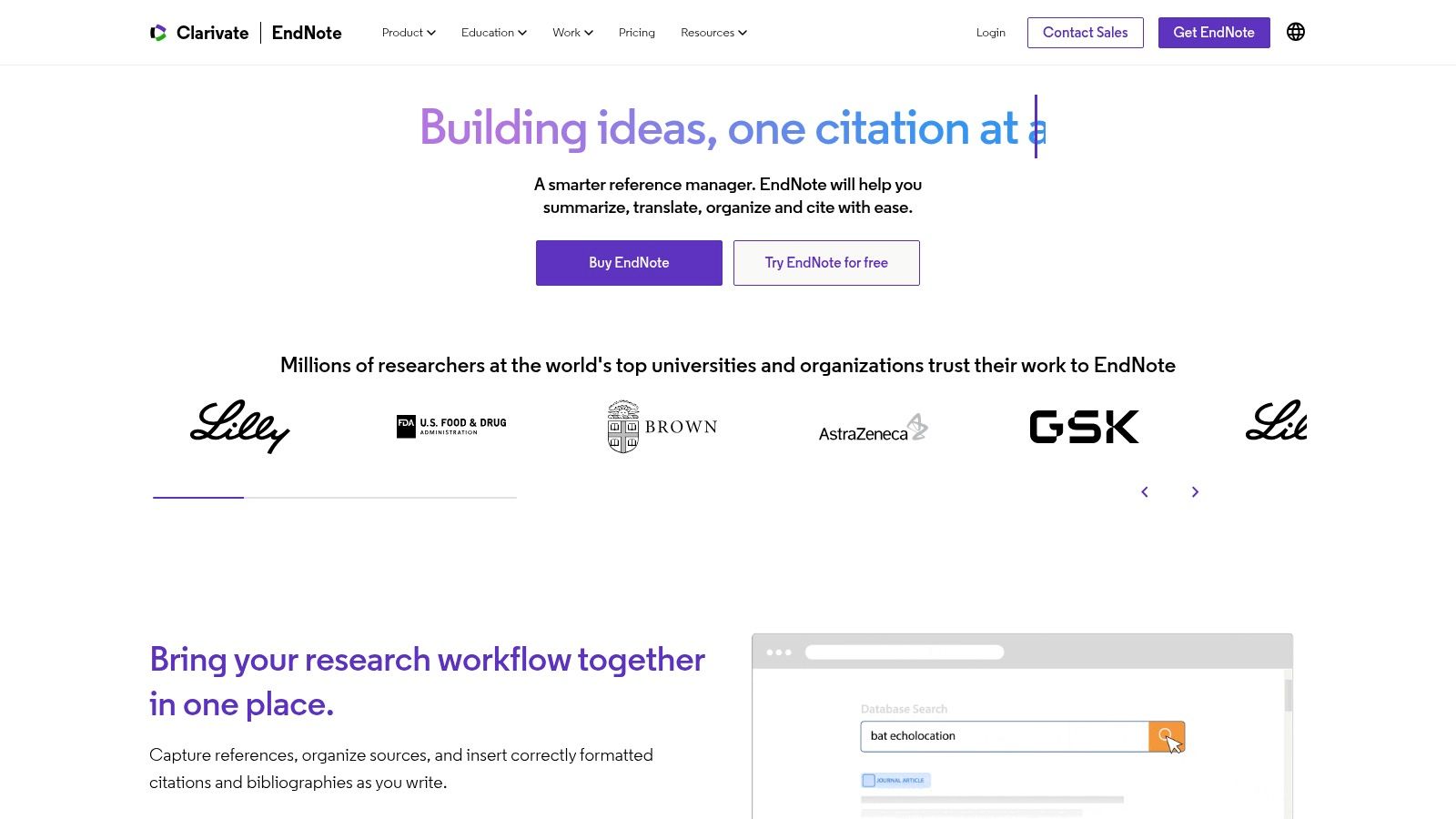
If your thesis depends on a substantial reference library and careful bibliography formatting, EndNote is a strong Word-first option. Its desktop product and writing integrations support citation insertion and bibliography generation, with a broad collection of citation styles. You can also import references from other tools, which is useful when your thesis library is already established elsewhere. Details about the EndNote reference management software show the kind of library workflow it supports.
Setup pitfall: Before importing your full library, test a small batch and inspect fields that affect your department's citation style, including author names, title capitalization, and publication details. Insert citations in a copy of your thesis document, then check the resulting bibliography. Formatting can organise metadata, but it cannot confirm that the information in a record is accurate.
EndNote has a one-time license option and student pricing for eligible students, but its upfront cost is higher than free alternatives. Its extensive features and interface can also be more than a short or straightforward thesis requires. Choose it when you expect to rely on its library and formatting tools throughout the project, rather than buying it just to repair a bibliography at the end.
4. Mendeley Reference Manager
Mendeley suits students who read and annotate PDFs as part of their regular thesis work and want to insert citations in Word. Organise references into collections, highlight and comment on attached papers, then use Mendeley Cite to add citations and bibliographies. Its free plan lets you begin without paying for a reference manager.
Setup pitfall: The current Reference Manager workflow may differ from the Mendeley Desktop routine you already know. Start with a small set of papers. Test PDF annotations and Word citation insertion, and confirm that references and attachments sync as expected before building your working library around the tool.
The main trade-off is cloud storage. The free plan is limited, so a large PDF collection may require a paid storage plan. An annotation in a PDF also does not show which claim that source supports in your chapter draft. Keep a brief claim-to-source note for important papers, and use this reference-list guide to check the final bibliography rather than assuming generated entries are flawless.
Use it when: Word is your main writing environment and reading, highlighting, and citation insertion form the core of your source workflow. For a thesis with many PDFs, assess storage needs alongside the convenience of keeping reading and citations in one routine.
Google Docs-first tools
5. Paperpile
If your thesis draft is in Google Docs, Paperpile is a practical option for managing references and adding citations as you write. It also supports PDF handling, Microsoft Word, BibTeX, and academic citation styles. For a thesis shared with a supervisor or co-author, its Google Docs integration can reduce the friction of working on the same document.
Setup pitfall: Test the citation workflow in a real chapter before transferring your full library. Check imported author and publication details, and confirm that your department's citation style is available and produces the format you need. A citation in the document does not guarantee accurate metadata.
Paperpile offers a free trial and paid tiers for advanced features. Check the current plan terms before choosing it, particularly if PDF search, annotations, shared libraries, or integrations matter to your workflow. A plan that covers citations may not include every feature you need.
Test the whole process with a short paragraph: insert citations, edit a reference, and regenerate the bibliography. Then compare each entry with the original publication. For practical guidance on citing articles in a research paper, check the details required by your style guide rather than relying on the generated list alone.
7. SciWheel, now Lean Library Workspace
SciWheel is a cloud-based option for researchers working across devices or collaborating in Word and Google Docs. Projects and tags help organise references, while shared projects bring sources and research notes together for a team. The name and product information may vary, so check the vendor's site for current details.
A collaborative literature review is a good fit when several people need access to the same source set and notes. Institutional access may also be available through a participating university or research organisation, making it worth checking what your institution provides before choosing an individual subscription.
Setup pitfall: Confirm the product and access route your institution supports before building a library. Test citation insertion in your actual document editor, and decide who owns the shared project. That ownership matters if students may lose institutional access after graduation.
Plan and access terms vary, so confirm which features your account includes before relying on them. SciWheel suits teams that need a shared workspace, especially when institutional access is available. For an individual project, compare current terms with other tools and check that the access arrangement will last through the final bibliography.
Research and writing preparation
6. Citavi
Citavi is for students who want to turn reading into an organised set of quotations, thoughts, and outline material before drafting. You can collect notes and quotations from PDFs, organise them into categories, connect ideas to a dissertation outline, and track research tasks by due date, importance, and status. That makes it useful when the hard part isn't collecting sources, but deciding what the reading means for the argument.
Setup pitfall: Build your categories and outline around the research question and thesis structure, not just around broad subject labels. A category called “theory” may hold dozens of unrelated points; a chapter-aligned structure makes it easier to retrieve the note you need while writing. Check the product version and platform requirements first, especially if you need a Mac desktop workflow.
Citavi's range of features is also its main limitation. There's a learning curve, and students who only need to capture citations and format a bibliography may find the extra planning machinery distracting. It offers browser-based and Windows-plus-web product options, so confirm the version fits how and where you work before building a project around it.
Use Citavi when you want a structured bridge between sources and the outline, and you're willing to maintain that structure as the thesis develops. If you only need a reference library, a simpler manager may get you to a clean draft with less setup.
8. ReadCube
ReadCube combines a research library with PDF reading, annotation, syncing, and citation tools. It supports web, desktop, and mobile access, and can import references from Zotero, EndNote, Mendeley, and other managers. That makes it worth considering if you already have a library elsewhere and want to test a more reading-centred workflow without manually rebuilding every record.
For a student who reads across devices, the ability to keep references and PDFs available in one synced library is a practical draw. Word and Google Docs citation tools and a wide range of citation styles support the move from reading into drafting.
Setup pitfall: Treat migration as a test, not a one-click promise. Import a sample library, check whether attached PDFs and annotations come across as expected, and make sure the records remain usable in your writing app before moving the whole project.
The pricing page lists no free plan after the trial, and some collaboration features require a higher-tier plan. That can make ReadCube a poor fit if you need a free long-term library or shared team features without paying for them. Compare the trial against a real chapter and a real reading session, then decide whether the synced PDF workflow saves enough effort to justify the ongoing cost.
Mac-only reference management
10. Bookends
Bookends is a dedicated reference manager for researchers who work on macOS and want detailed PDF and library organisation. Hierarchical folders, groups, and smart groups can support a large collection, while annotations connect PDF reading with notes and references. It integrates with writing applications including Microsoft Word, Mellel, and Nisus Writer Pro, and a companion iOS app supports work across devices.
A practical use case is a Mac-based researcher who reads and annotates a substantial number of papers, then writes in one of Bookends' supported applications. The demo can be tested without a time limit, which lets you try the library workflow before purchasing.
Setup pitfall: Test the whole chain: import a source, attach and annotate a PDF, sync the library, and insert a citation in the writing app you use. The demo is limited to 50 references, so it can show how the workflow feels but won't prove how you'll manage a full thesis library.
The clear limitation is platform: the full desktop app is for macOS, not a cross-platform desktop option. The full license is a one-time purchase, so compare its specialised PDF and library tools against the cost and platform restrictions before committing. If your supervisor or co-authors work on Windows, plan how you'll share references and documents rather than assuming they can use the same desktop setup.
How the 10 source management tools compare on cost and fit
| Item | Free option | Pricing model | Best for |
|---|---|---|---|
| thesisbookproject Homepage | Starter tier for one project | Free tier; paid plans add features | Planning and tracking a thesis from proposal to submission |
| Zotero | Free core software and local library | Optional paid cloud storage | Researchers who want a flexible, open-source reference manager |
| EndNote | No free option specified; student pricing is available | One-time license purchase | Researchers managing large libraries and needing extensive citation tools |
| Mendeley Reference Manager | Free plan with limited cloud storage | Free plan; paid monthly or annual plans | Researchers who want reference management with PDF reading and annotation |
| Paperpile | 30-day free trial | Annual subscription | Researchers who write in Google Docs or Microsoft Word |
| Citavi | No free option specified | Individual and institutional licenses | Students organizing research notes, ideas, tasks, and references |
| SciWheel (Lean Library Workspace) | Access may be available through participating institutions | Plan or institution-dependent | Research teams collaborating on sources and notes |
| ReadCube | Free trial; no ongoing free plan listed | Individual and group plans | Researchers who want synced PDF libraries across devices |
| JabRef | Free and open source | No-cost software | LaTeX users working with BibTeX or BibLaTeX |
| Bookends | Unlimited-time demo limited to 50 references | One-time full license purchase | Mac-based researchers managing references and annotating PDFs |
Choosing the Right Source Manager Before Your Next Chapter Starts
Start with the writing app you already use. If your thesis is in Google Docs, shortlist Paperpile, SciWheel, or Zotero and test citation insertion in a shared document. If you write in Word, compare EndNote, Mendeley, Zotero, and ReadCube by inserting citations into a chapter draft, changing a citation, and checking how the bibliography updates. For LaTeX, JabRef is the more direct fit. Mac users who want a dedicated PDF library can test Bookends, while students who need structured research notes and an outline may prefer Citavi.
Next, decide whether you need a reference manager or a thesis workflow. A library-first tool helps capture, organise, annotate, and cite sources. A planning-integrated platform can also connect references to chapter progress, milestones, and supervisor check-ins. Thesis Book Project's free Starter plan supports one project with a roadmap and chapter tracker; Pro adds unlimited projects, milestone reminders, source management, and progress insights for $8 per month. Team adds supervisor sharing and cohort dashboards for $19 per month.
Then account for budget, operating system, and collaboration. A free tool may be the right answer if you need a reliable citation library without paid storage. A paid product may make sense if you'll use its PDF search, shared libraries, or writing integrations throughout the project. If you work with a supervisor or co-authors, check how you'll share both the records and the source files, and choose a library format that won't trap the project on one person's device.
Before committing, run a free trial or free tier on a real chapter. Import a small selection of sources, check their metadata against the original publications, annotate a PDF, insert citations, and generate a bibliography. Also record why each key source supports the claim you cite it for. AI-assisted discovery can help surface relevant reading, but it doesn't verify that a citation exists or supports the sentence; one 2025 analysis found that 41.5% of surveyed researchers reported copying BibTeX without checking it, which is a clear reason to verify citation details yourself (2025 citation analysis).
Set up your source manager at the start of the literature review, not the week your thesis is due. Choose a structure you can maintain, keep research-object records complete, and review citations as you draft. A reference manager can format the bibliography, but the writer still has to make sure every source is real, accurate, and relevant to the claim.
Thesis Book Project combines a thesis roadmap, chapter tracking, milestones, progress visibility, and a source manager that keeps reading organised alongside chapter planning. Start your literature review with a plan for both the references and the chapters they support, then visit Thesis Book Project to see how its free Starter plan can help structure your project.
Related Articles
Academic Writing Guidelines for Theses in 2026
The most popular advice about academic writing is to choose a style guide and follow it consistently...
Thesis WritingMilestone Schedule Example: 7 Formats Worth Copying
A milestone schedule works only when each checkpoint marks a decision or accepted result. A 2025 PhD...
Thesis WritingHow to Write a Discussion Chapter in a Thesis Step by Step
The most popular advice about the discussion chapter is to explain your results. That advice isn'...
Comments (0)
No comments yet. Be the first to share your thoughts.