10 Software for References Compared in 2026
Compare 10 software for references by features, pricing, compatibility, and workflows to choose the right tool for your thesis or research project.
The most feature-rich reference manager isn't automatically the best one. A thesis writer who spends most of the day in Google Docs needs a different tool from a researcher building a large BibTeX library, annotating PDFs offline, or coordinating a cohort through a university account.
The useful comparison is practical: where you collect sources, how you repair metadata, how you read PDFs, which writing environment you use, whether collaborators need access, and how reference work fits around a submission deadline. Citation software can format references, but it won't necessarily help you decide what to read next, finish a chapter, or prepare for a supervisor meeting. For a broader explanation of how these systems fit academic writing, see this citation management software guide.
This list compares ten options by the workflow they support. It also includes Thesis Book Project, which isn't a conventional replacement for every dedicated reference manager. Its value is connecting source organization to chapters, milestones, progress tracking, and the practical work of completing a thesis.
Table of Contents
- 1. Thesis Book Project
- 2. Zotero
- 3. Mendeley Reference Manager
- 4. EndNote
- 5. RefWorks
- 6. Paperpile
- 7. ReadCube Papers
- 8. Citavi
- 9. JabRef
- 10. Bookends
- Top 10 Reference Managers, Feature Comparison
- Choose the Tool That Fits the Work You Actually Do
1. Thesis Book Project
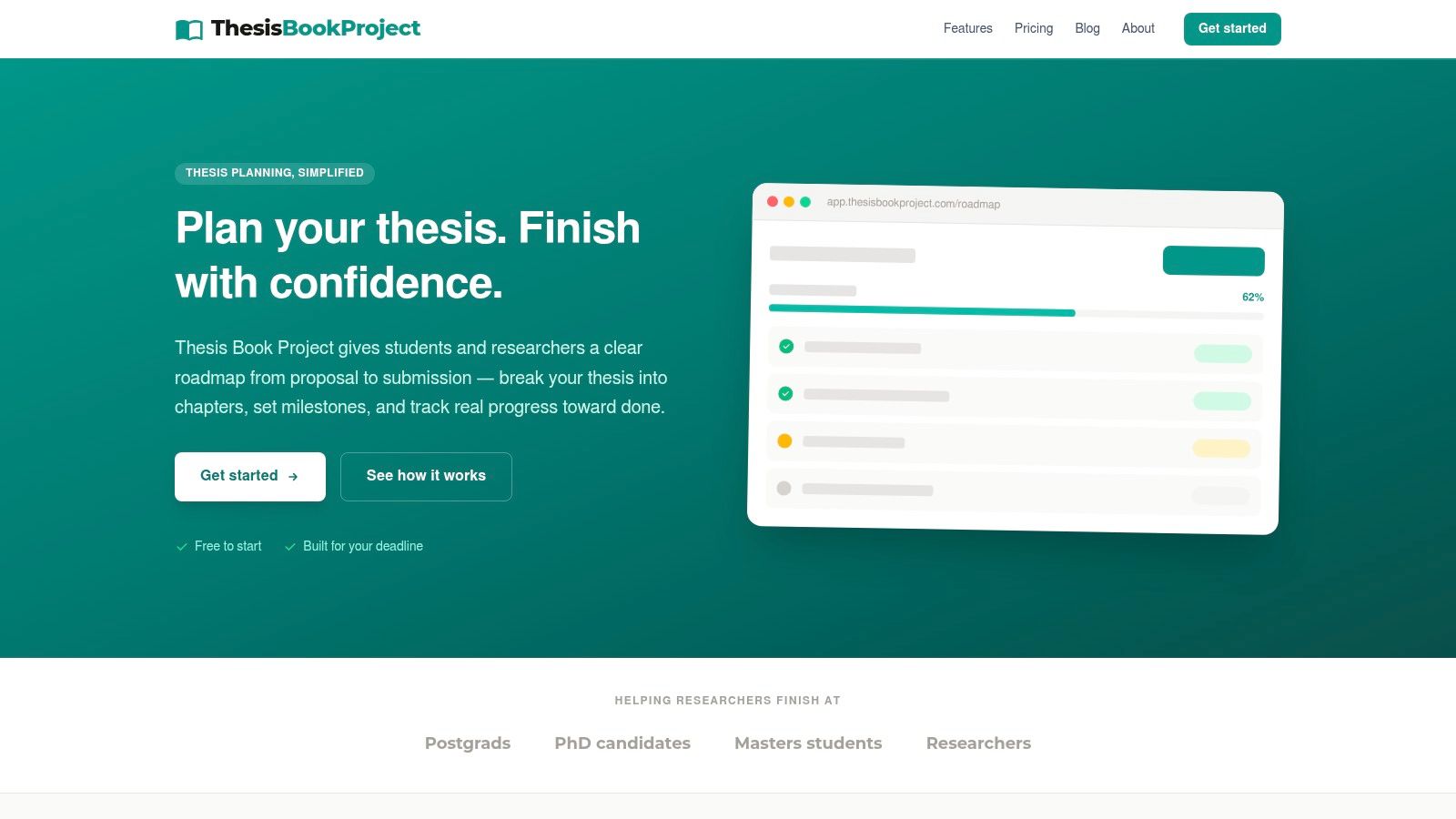
Thesis Book Project is the strongest option here for students who need to manage the whole thesis workflow, not only citations. It starts with the submission date and turns the project into a sequence of milestones, chapters, sections, reviews, and next actions. That distinction matters because a clean reference library doesn't tell you whether your literature review is developed enough, whether a chapter is stuck in outline mode, or whether you have time left for supervisor feedback.
Its Source manager keeps reading lists and references connected to chapter development. You can organize literature around the work it supports rather than leaving every source in a separate citation database with no relationship to your argument. The chapter tracker records progress from outline through drafting and final revision, while progress insights show what remains and whether the plan is moving toward the deadline.
Where it fits best
The platform is particularly useful when your problems are scope, sequencing, missed milestones, and fragmented chapter work. Backward planning makes the submission date operational rather than abstract. Supervisor sharing and cohort dashboards also give meetings a concrete focus, with blockers and next actions visible before the conversation begins.
Practical rule: Use a citation manager to protect bibliographic accuracy, and use a thesis planner to protect the project sequence.
Thesis Book Project isn't positioned as a full substitute for EndNote, Zotero, JabRef, or a word processor. Its web-first design means you should check the export and integration path you need before making it the only place your references live. For help connecting early writing decisions to the wider thesis, read this guide on how to write a thesis introduction.
Best for: Thesis planning, chapter tracking, milestones, supervisor check-ins, and source organization tied to a dissertation.
Trade-off: Advanced supervisory and collaboration features require paid plans, and dedicated citation formatting or offline reference workflows may still call for another tool.
2. Zotero
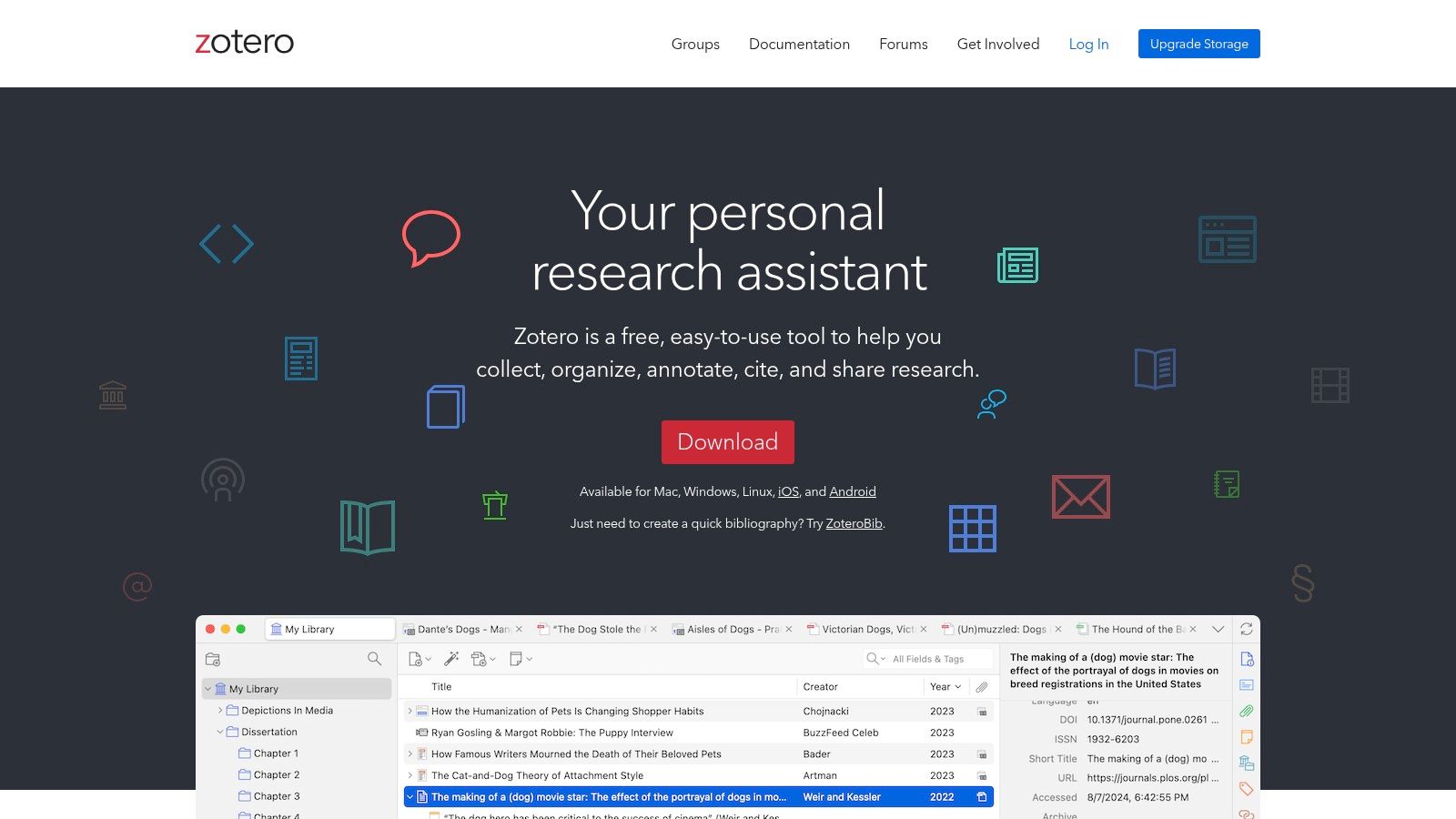
Zotero remains the safest starting point for many students because it combines a free core application with broad compatibility. The browser Connector lets you capture a book, article, webpage, or search result while researching, and Zotero can often retrieve an associated PDF. That speed is useful during exploratory reading, but imported records still need checking before they become part of a final bibliography.
The writing integrations are a major advantage. Zotero works with Microsoft Word, LibreOffice, and Google Docs, so students aren't forced into one writing environment. Inserted citations can generate and update a bibliography as the document changes. Group libraries also support shared reading lists and collaborative bibliographies, which makes Zotero a sensible choice for research teams or a thesis with multiple contributors.
The storage decision
Zotero synchronizes library metadata without charging for that synchronization, while attached files use separate cloud-storage arrangements. That distinction is easy to miss. A large PDF collection can create a different storage requirement from a library containing mainly citation records and notes.
Zotero's open-source ecosystem and transparent data model also make it attractive when portability matters. The historical durability of BibTeX helps explain why structured formats remain important. BibTeX separated bibliographic records from presentation, allowing a style change without re-entering every source, and modern reference tools still support it for interoperability with LaTeX and other systems (Springer's history of reference management).
Best for: A strong free starting point, mixed writing environments, shared libraries, browser capture, and students who want a portable library.
Trade-off: Website-specific capture can produce incomplete or inconsistent metadata. Read how to avoid plagiarism and reference correctly, but still compare every important record with the source you directly consulted.
Visit the Zotero website before deciding how its storage model fits your PDF collection.
3. Mendeley Reference Manager
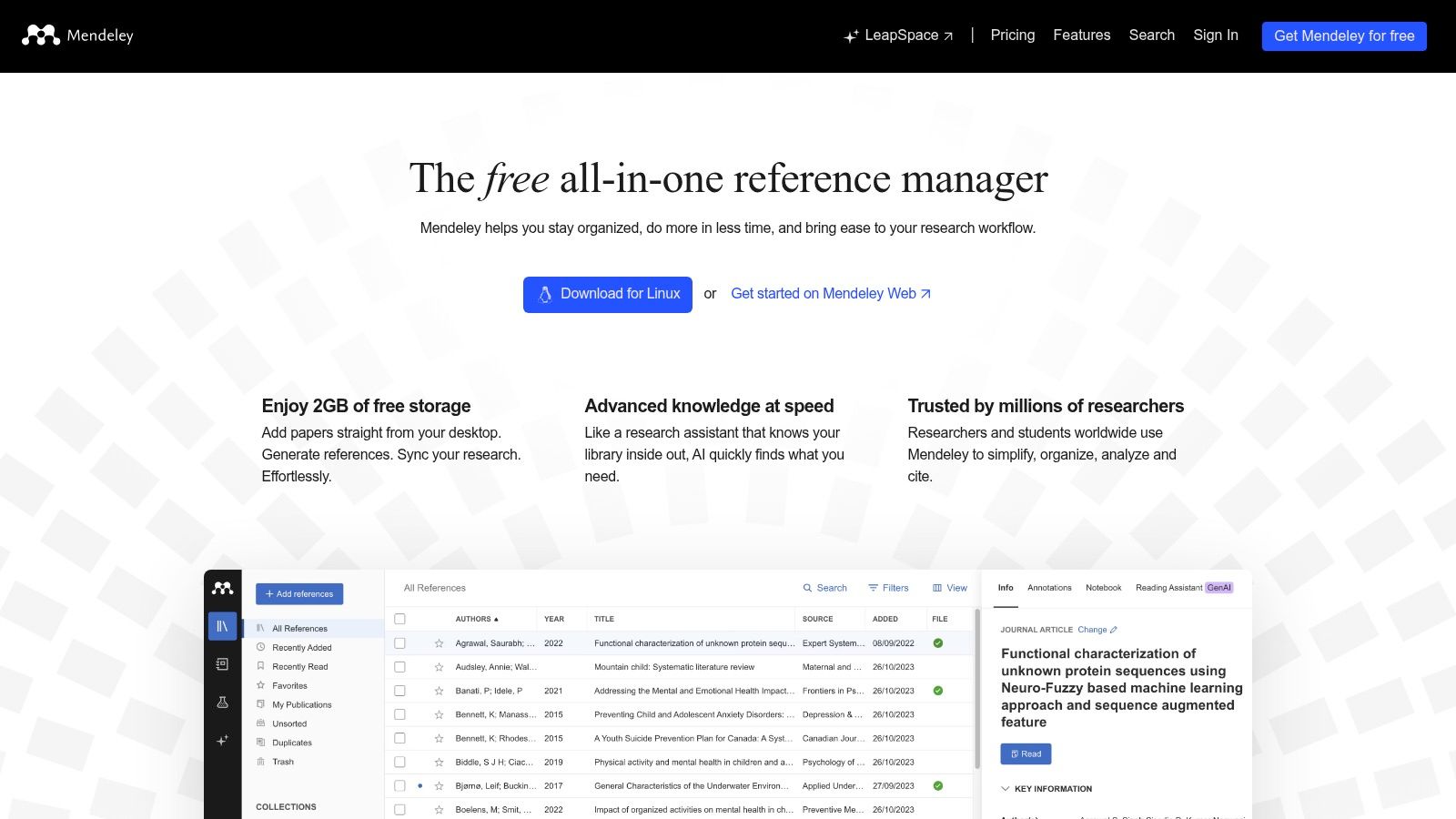
Mendeley Reference Manager suits researchers who prefer a cloud-first desktop and web workflow. Its interface emphasizes quick importing, collections, tags, PDF reading, and annotation. That makes onboarding relatively straightforward, particularly for students who want to begin by dragging in articles and organizing them around a literature review.
The platform has long been familiar in academic and STEM settings. It supports Word citation insertion and in-text references, while its web-connected approach makes searching and importing feel less tied to a single local library. AI-assisted features are also being added to the Reference Manager platform, but those features shouldn't remove the need to inspect source metadata or verify what a paper actually supports.
A familiar workflow with limits
Mendeley works well when your main tasks are collect, tag, annotate, cite, and sync. Its collections can separate papers by chapter or theme, and PDF highlights can keep initial reading inside the same environment. The weakness appears when your workflow depends on features from an older desktop setup or on mobile access. Mobile apps were discontinued, and some legacy desktop capabilities aren't fully replicated in the newer application.
That makes Mendeley less attractive for someone who wants a heavily customized, offline-first system with complete control over every part of the library. It remains practical for a researcher who values recognition, a simple entry point, and a web-connected reading workflow.
For literature reviews, the true test is whether notes become usable arguments rather than a pile of highlights. This complete guide to writing a literature review is useful alongside the software because Mendeley can organize sources, but it can't decide how your evidence should shape the chapter.
Best for: Cloud-first research, PDF annotation, Word writing, and researchers already comfortable with the Mendeley ecosystem.
Trade-off: The desktop and web focus won't suit everyone, particularly users who depend on mobile reading or older desktop features.
Explore the current Mendeley Reference Manager workflow before migrating a large legacy library.
4. EndNote
EndNote is the established choice for researchers who need deep library control, advanced style management, and strong Word integration. Its desktop application is built for substantial collections, detailed PDF organization, and complex citation requirements. The Cite While You Write tools let users insert references and produce a bibliography directly in Word, while the broader style library supports demanding publisher and institutional formats.
That depth comes with a learning curve. EndNote isn't the tool I'd recommend when a student needs to store a few articles and cite them in a short document. It becomes more persuasive when the library is large, the department has an established EndNote workflow, or a publisher requires a style that a mature system handles reliably.
When institutional support changes the choice
EndNote's position in universities and publishing workflows can matter more than a feature checklist. An institution may provide access, training, or technical support, and that can reduce the practical cost of learning a more powerful application. Clarivate also provides support through email, chat, and phone channels, which is useful when a library problem appears close to submission.
The purchase model is another consideration. EndNote uses a perpetual-license approach, with pricing dependent on region and edition, so prospective users should check current terms rather than assume the cost or included services. The online ecosystem supports access beyond the desktop application, but the desktop tool remains central to the experience.
Best for: Large libraries, advanced formatting, Word-based writing, institutional workflows, and researchers who need mature PDF and style tools.
Trade-off: It can feel heavier than web-first alternatives, and the licensing model requires a deliberate cost and access decision.
Review the current editions and support options on the EndNote website.
5. RefWorks
RefWorks is built around institution-managed research, not necessarily the independent student shopping for a personal reference manager. Its fully cloud-based design avoids traditional device syncing and gives universities a consistent web interface for classes, departments, and research cohorts. Single sign-on and institutional administration can make access straightforward when a library already provides the service.
Collaboration is one of its clearest strengths. Shared libraries, administrative controls, and usage visibility suit supervisors, teaching teams, and programs that want a common environment. RefWorks also provides citation add-ins for Word and Google Docs, so students can write in familiar tools while keeping references connected to an institutional library.
A good cohort tool, a less obvious personal purchase
Recent updates include a PDF reader and built-in checking features related to plagiarism and AI content. Those additions may be useful inside a university workflow, but they don't change the basic buying question: does your institution provide RefWorks, and will it support you after graduation or a change of affiliation?
Individual subscriptions are less common and pricing isn't transparent in the same way as some direct-to-consumer products. The web-first design may also frustrate researchers who need extensive offline work or prefer a local database. For a cohort with library support, those drawbacks can be minor. For an unaffiliated individual, they deserve attention before importing a long-term library.
Best for: Universities, cohorts, library-provisioned access, shared collections, and supervisor or administrator oversight.
Trade-off: Its value depends heavily on institutional availability, and heavy offline users may find the browser-centered workflow restrictive.
Check whether your university offers access through the RefWorks platform before paying for another system.
6. Paperpile
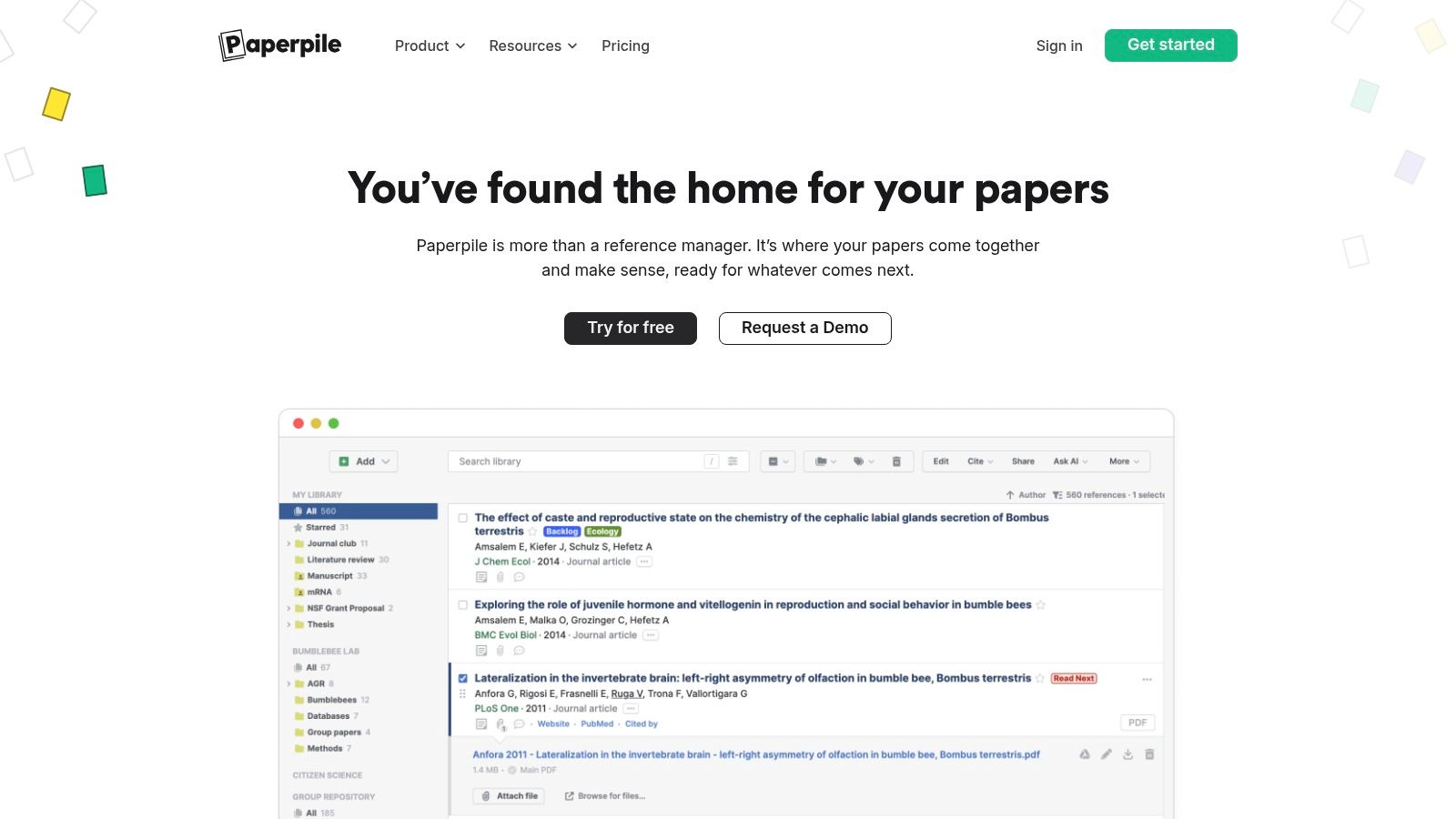
Paperpile is the most natural fit for researchers who do their writing in Google Workspace and want reference management to feel quick rather than elaborate. Its Google Docs and Word citation tools are central to the experience, while full-text search across PDFs, duplicate detection, and metadata cleanup reduce the friction between collecting a paper and using it in a chapter.
Shared folders and team libraries make collaboration straightforward. Paperpile also supports Overleaf and BibTeX workflows, so a Google-centric researcher isn't locked out of LaTeX projects. Drive and OneDrive synchronization are part of the wider workflow, although some cross-storage features are still developing.
Speed versus independence
Paperpile's appeal is its low setup burden. A researcher who already uses Chrome, Google Docs, and shared Drive folders can start quickly without designing a complicated database structure. That convenience is less valuable if you need a fully offline, platform-neutral application or want to avoid an annual subscription.
The best experience begins in Chrome, and some cross-browser capabilities are still rolling out. Paperpile also doesn't offer a generous free tier beyond its trial experience, so the subscription decision arrives earlier than it does with Zotero or JabRef. For a productive Google Docs workflow, that may be a fair exchange. For a student with limited institutional support or a long-term portability concern, test export before committing.
Best for: Google Docs, Chrome-based research, shared libraries, PDF search, and users who want a fast setup.
Trade-off: The subscription model and browser emphasis make it less suitable for users seeking a fully free or offline-first system.
See how the current workflow works on the Paperpile website, then test a complete document rather than only importing a few references.
7. ReadCube Papers
ReadCube Papers is designed for researchers who treat the PDF library as the center of their work. Its reading and annotation experience is polished, with cloud synchronization across devices and shared libraries for teams. SmartCite add-ins extend that library into Word and Google Docs, so you can move from reading to writing without manually rebuilding the citation record.
The advantage becomes clear when a project involves repeated PDF reading. Search, annotations, and cross-device continuity help users return to an article, locate a highlighted passage, and cite it in the writing environment. Publisher-level search enhancements and AI-assisted reading features add discovery support, but the tool still works best when the researcher remains responsible for interpreting the paper.
A reader-first choice
ReadCube Papers has a more refined PDF experience than a basic citation database. That makes it appealing for systematic reading, shared article collections, and researchers moving between a laptop and another device. It isn't the obvious choice for someone who primarily needs a lightweight citation insert button or a transparent, open file format.
The service uses subscription pricing rather than a free perpetual option. Some long-time users may also prefer the older Papers experience, which means a migration or interface change can affect expectations. Before choosing it for a long project, test how annotations, shared folders, and citation records behave across the devices and writing tools you use.
Best for: PDF-heavy research, cross-device reading, annotations, shared libraries, and Word or Google Docs citation work.
Trade-off: Subscription dependence and product evolution may concern researchers who prioritize permanent local ownership.
Explore the current reading and citation workflow through ReadCube Papers.
8. Citavi
Citavi combines reference management with structured knowledge organization, making it particularly useful for literature reviews that depend on quotations, categories, ideas, and tasks. Instead of treating a paper as only a bibliographic record and attached PDF, Citavi lets researchers connect excerpts and notes to the source they came from. That structure can make a large review easier to turn into an outline.
Its task features also bring research activity into the same project. Users can organize categories, record quotations, assign tasks, and work with references in a local project or through Citavi Cloud. The platform supports online searches across databases and catalogs, while flexible storage options can matter to institutions with specific data policies.
Strong for Windows-based knowledge work
Citavi is primarily Windows-focused, so Mac users may need workarounds or virtualization. That platform limitation should be treated as a central decision, not a minor inconvenience. A researcher who lives in Windows and writes in Word may find Citavi's structured approach powerful. Someone moving between Mac, Google Docs, and mobile devices may prefer a more universal system.
Pricing can also be confusing, especially when institutional licenses are involved. Check whether your university already provides access before purchasing an individual plan. Citavi has expanded its AI-assisted features, but generated summaries or suggested insights should support reading rather than replace source verification.
Best for: Structured literature reviews, quotation management, task tracking, Windows and Word workflows, and institutions requiring local or controlled storage.
Trade-off: The Windows emphasis and licensing complexity can make it a poor fit for platform-diverse teams.
Compare the current desktop, cloud, and institutional options on the Citavi website.
9. JabRef
JabRef is the specialist choice for researchers who write in LaTeX and manage BibTeX or BibLaTeX libraries. It is free and open source, uses transparent formats, and provides tools for grouping, duplicate detection, integrity checks, and library cleanup. Those capabilities address a problem that often appears late in a thesis: the database may contain records, but fields are inconsistent, keys are unclear, and duplicates can damage the final bibliography.
The application also supports integrated web searches for scholarly databases. Its data-quality tools are especially useful for engineering, computer science, and other fields where LaTeX is part of the normal writing environment. BibTeX's historical role in separating structured bibliographic data from formatting remains relevant here. Citation records can be reused across documents while styles control how the output appears.
Technical control is the point
JabRef isn't trying to be the easiest PDF reader or the most polished Word plugin. It has a technical desktop feel, and researchers who expect native Google Docs or Word integration may find the workflow inconvenient. The trade-off is control. You can inspect the underlying records, clean fields, manage cite keys, and keep the library close to the format your LaTeX project uses.
Emerging AI-assisted features for local PDF libraries should be treated as optional aids. They don't remove the need to check titles, authors, dates, identifiers, and claims against the original source.
Best for: LaTeX, BibTeX, BibLaTeX, transparent data, large-library cleanup, and technically confident researchers.
Trade-off: It lacks native Word and Google Docs plugins, and the Java desktop application feels less approachable than cloud-first alternatives.
Download and inspect the workflow through the JabRef website.
10. Bookends
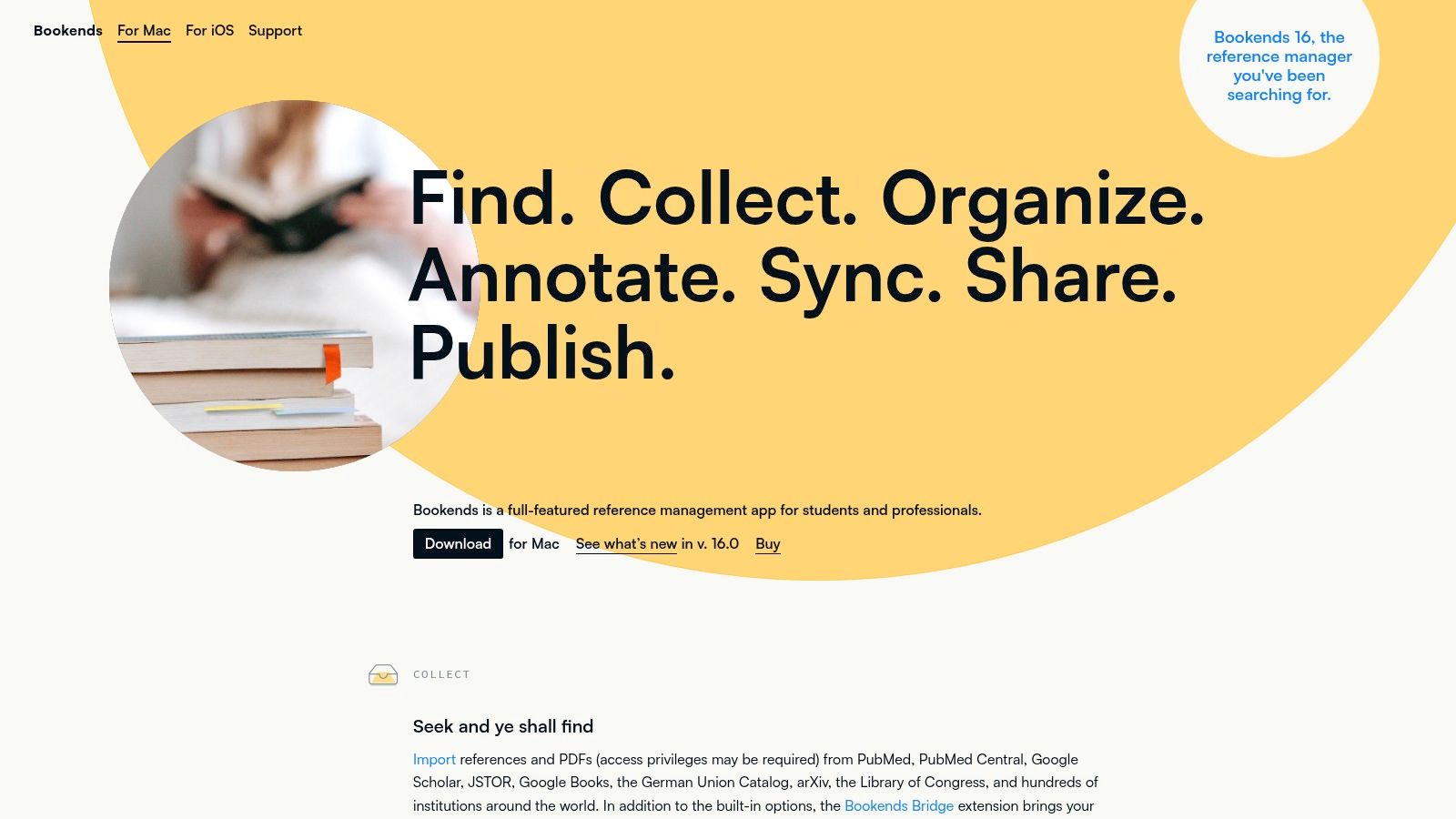
Bookends is the best fit for researchers who want a Mac-native, offline-friendly reference manager with detailed control over PDFs, imports, exports, and citation formatting. Its PDF tools support highlighting and notes, while metadata cleanup helps turn imported records into reliable library entries. Citation styles can be updated and customized, including support for CSL-based workflows.
The iOS companion app extends reading and synchronization beyond the Mac, which suits researchers who annotate while away from their main workstation. Bookends also supports a broad range of import and export formats, a useful property when a collaborator, publisher, or future software change requires a library migration.
Excellent for one platform, awkward for mixed teams
Bookends makes sense when the researcher controls the environment. Mac users who want a powerful local library and don't need a browser-first workflow can get more detail than a simplified citation tool provides. The limitation is collaboration across operating systems. Windows collaborators will need another application or an agreed export format.
The demo limits the library to a small number of references until the software is licensed, so test the workflows that matter before committing. Pay particular attention to citation insertion, PDF annotation, iOS synchronization, and exports to the formats your department or collaborators use.
Best for: Mac-native research, offline work, PDF annotation, detailed formatting, and iOS reading.
Trade-off: It is macOS-only, and mixed-platform collaboration requires additional planning.
Review the current licensing and feature set on the Bookends for Mac website.
Top 10 Reference Managers, Feature Comparison
| Product | Core focus ✨ | UX / Quality ★ | Price & Value 💰 | Target audience 👥 |
|---|---|---|---|---|
| Thesis Book Project, Plan your thesis. Finish with confidence. 🏆 | ✨ Thesis lifecycle roadmap, chapter tracker, milestones, integrated Source manager, editorial blog | ★★★★☆ Progress insights, supervisor sharing, meeting-focused views | 💰 Starter Free; Pro $8/mo; Team $19/mo, student-oriented value | 👥 Masters/PhD students, supervisors, program cohorts |
| Zotero | ✨ Open-source ref manager: capture, group libraries, PDF notes | ★★★★ Reliable sync (metadata), browser capture | 💰 Free core; optional paid cloud storage | 👥 Students & researchers wanting free, collaborative refs |
| Mendeley Reference Manager | ✨ Cloud-first ref manager with PDF annotation & emerging AI | ★★★☆ Smooth onboarding; desktop/web mix | 💰 Free tier; cloud limits on files | 👥 STEM researchers preferring Elsevier ecosystem |
| EndNote | ✨ Feature-rich desktop library, Cite While You Write, advanced style control | ★★★★ Robust for large libraries; steeper learning curve | 💰 Paid/perpetual license (varies by edition) | 👥 Advanced researchers, publishers, institutions |
| RefWorks | ✨ Cloud-native with institutional admin, collaboration & analytics | ★★★ Web-first, consistent for cohorts | 💰 Institution-provisioned (pricing opaque) | 👥 Libraries, courses, institution-wide deployments |
| Paperpile | ✨ Google-centric ref manager; Drive/Overleaf/BibTeX friendly | ★★★★ Fast, polished for Chrome/Workspace | 💰 Subscription (annual); trial only | 👥 Google Workspace users, collaborative teams |
| ReadCube Papers | ✨ Cross-device library, SmartCite, AI-assisted reading/search | ★★★★ Polished PDF reader & sync | 💰 Subscription-based; no free perpetual tier | 👥 Teams needing polished PDF tools & sync |
| Citavi | ✨ References + knowledge org (quotations, tasks), cloud/local options | ★★★★ Strong for systematic lit reviews | 💰 Mixed pricing; often institutional licenses | 👥 Researchers needing structured note/task tracking (Windows) |
| JabRef | ✨ BibTeX-native for LaTeX workflows; data-quality tools | ★★★ Technical, powerful for large BibTeX libs | 💰 Free (MIT), transparent formats | 👥 LaTeX users in CS/engineering and technical fields |
| Bookends | ✨ Mac-native reference manager with rich PDF tools & iOS app | ★★★★ Polished offline macOS experience | 💰 Paid license; demo with 50 refs | 👥 macOS/iOS users wanting offline, detailed formatting |
Choose the Tool That Fits the Work You Actually Do
There isn't a universal winner among software for references because the hard part isn't just storing citations. The hard part is moving from source discovery to verified metadata, useful notes, a defensible argument, a correctly formatted document, and a submitted thesis without losing track of the work between those stages.
For a broadly compatible, strong free starting point, choose Zotero. It covers browser capture, PDF organization, group libraries, and Word, LibreOffice, and Google Docs. Choose Mendeley if you prefer a familiar cloud-first workflow with straightforward importing, collections, PDF annotation, and Word support. Choose EndNote when your department, publisher, or large library requires advanced desktop tools and detailed style management.
RefWorks makes the most sense when your institution provisions it for a cohort. Its administrative controls, web access, and shared environment are more valuable in that setting than they are to an independent researcher buying a personal tool. Paperpile is the practical choice for Google Workspace users who want fast citation work in Google Docs and shared PDF libraries. ReadCube Papers is stronger when polished reading, annotation, cloud continuity, and shared PDF collections matter more than open-source portability.
Choose Citavi for structured Windows literature reviews where quotations, categories, tasks, and Word writing belong in one research environment. Choose JabRef for LaTeX, BibTeX, BibLaTeX, transparent formats, and library-quality control. Choose Bookends when you're a Mac user who wants a detailed local workflow with strong PDF tools, formatting options, and iOS support.
Thesis Book Project serves a different need. It can sit alongside a chosen citation manager when the main risk is not only a wrong bibliography, but also a thesis that has no realistic sequence from proposal to submission. Its backward planning, chapter tracker, milestone reminders, source organization, supervisor sharing, and progress visibility connect reference work to the project that references are meant to support.
Use the tool that matches your writing environment, not the one with the longest feature list. Before importing your entire library, test the complete path: capture a source, inspect and repair its metadata, attach or annotate the PDF, insert the citation into your real document, change the style, collaborate if necessary, export the library, and generate the final bibliography. Also verify AI-suggested citations against authoritative indexes and the original publication. An analysis of 2.2 million citations across 56,381 papers reported invalid or fabricated citations, with the problem increasing in its later comparison, while another analysis identified potentially hallucinated citations in conference papers (the citation analysis). AI can assist discovery and formatting, but citation correctness remains the researcher's responsibility.
A reference manager protects the structure of your evidence. A thesis planner protects the sequence of decisions, drafts, feedback, and deadlines that turn that evidence into a finished submission. Pick one tool for each job when necessary, then connect them through a workflow you can maintain under pressure.
Thesis Book Project connects source organization with chapter tracking, backward planning, milestone reminders, and supervisor-ready progress views. If your reference manager is helping you collect evidence but not helping you finish the thesis, visit Thesis Book Project and evaluate it alongside your chosen citation tool.
Related Articles
How to Write a Thesis Introduction That Works
You're staring at a blank document with a dozen tabs open, a working title that keeps changing,...
Research Methods7 Literature Review Research Proposal Examples
A literature review can be the part of a proposal that proves a study is necessary, not merely the p...
Research MethodsLiterature Review Methods: A Clear Guide for Researchers
You've opened so many papers that your browser has become a second desktop. One article defines...
Comments (0)
No comments yet. Be the first to share your thoughts.