10 Best Progress Tracker Online Tools for Theses
Compare the 10 best progress tracker online options for theses, including milestone tools, chapter tracking, dashboards, pricing, and limitations.
A thesis can look well underway and still be difficult to manage. You've finished the research, outlined the argument, and drafted two chapters, but the remaining writing, revisions, references, supervisor feedback, and submission requirements now compete for attention. A list of completed tasks won't tell you whether the methods chapter is ready for review, whether analysis is blocking the next draft, or whether the final deadline is becoming unrealistic.
A useful progress tracker online should connect those moving parts. It should show where each chapter stands, what depends on what, which milestones are slipping, and what you need to resolve with your supervisor. That matters in doctoral work, where completion is a sequence of interdependent stages rather than one final task. Evidence cited in an academic study reports that 60% of PhD students at the University of Rwanda completed within the official four-year programme, while cumulative completion rose to 80% by year six when extensions were allowed (the study discussing doctoral completion). A tracker can't remove research barriers, but it can make progress and risk easier to discuss early.
The tools below are compared by where they fit in the thesis lifecycle: planning the proposal, developing chapters, coordinating supervisor review, and preparing submission. Some are built for academic work; others are general platforms that become useful when you configure them around your research.
Table of Contents
- 1. Thesis Book Project
- 2. Asana
- 3. ClickUp
- 4. Notion
- 5. Trello
- 6. monday.com Work Management
- 7. Airtable
- 8. Smartsheet
- 9. Todoist
- 10. Toggl Track
- Top 10 Online Progress Trackers: Feature Comparison
- Choose the Workflow You Can Keep Using
1. Thesis Book Project
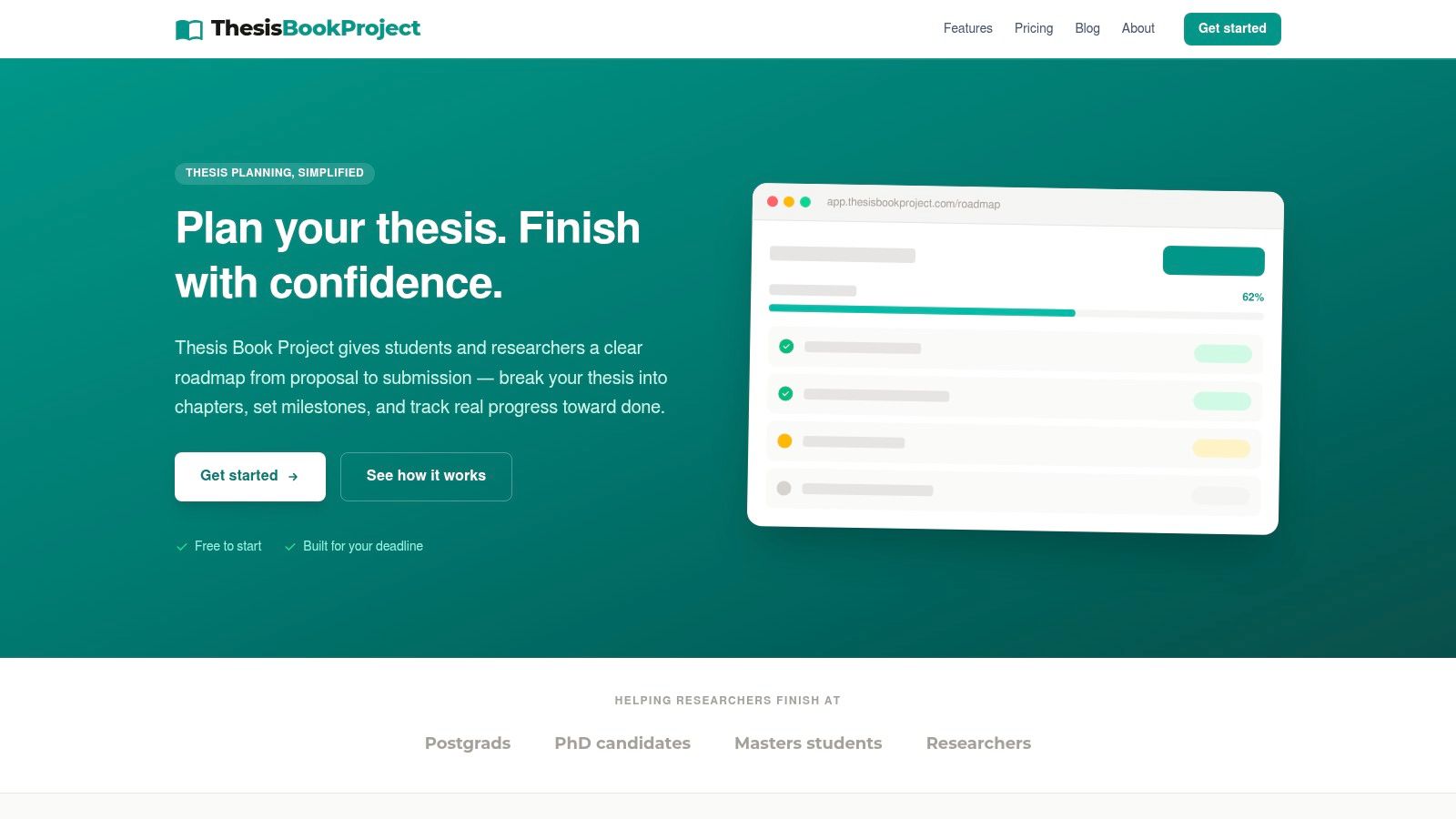
Most trackers in this list ask you to design the thesis workflow yourself. Thesis Book Project takes the opposite approach: it is built around the academic sequence from proposal to submission, so the stages, milestones, and chapter breakdowns already reflect how graduate research unfolds.
From proposal to chapter drafts
The roadmap maps research stages first, then breaks chapters into sections you track from outline to final draft. That distinction matters in practice: "the literature review is drafted but still needs synthesis" is a different status from "I've been working on it," and the tracker is designed to record the first rather than reward the second. Backward planning from the submission date, milestone scheduling, and reminders keep the next checkpoint visible while you work through the current one.
A built-in source manager keeps reading and references alongside chapter development, which helps when the literature review is still reshaping your argument. Progress views summarize what is done, what remains, and what needs attention next. For a closer look at how the platform sequences these phases, the strategy and roadmap guide shows the planning logic in more detail than a feature list can.
Supervisor check-ins and trade-offs
Shareable supervisor updates can shift a meeting from a broad status conversation toward blockers, decisions, and next actions. Team-plan cohort dashboards extend that visibility to supervisors or coordinators overseeing several students at once. The platform serves undergraduate and master's students, PhD candidates, researchers, supervisors, and program coordinators.
Pricing is straightforward. The Starter plan is free for one project. Pro costs $8 per month and adds unlimited projects, reminders, source management, and progress insights. Team costs $19 per month and adds supervisor sharing, cohort dashboards, priority support, and early-access features. One point in its favour is an editorial policy stating that guides are human-written and reviewed, which matters if you plan to rely on the platform's planning advice alongside the tracker.
The trade-offs sit mainly at the entry level. Starter excludes reminders and source management, so the free tier works better as an evaluation than a full setup. Public product information does not specify integrations, export options, or offline access, so confirm those before committing if they matter to your workflow. If you are weighing an academic-specific planner against general study tools, this roundup of top productivity apps for college students is a useful comparison point.
2. Asana
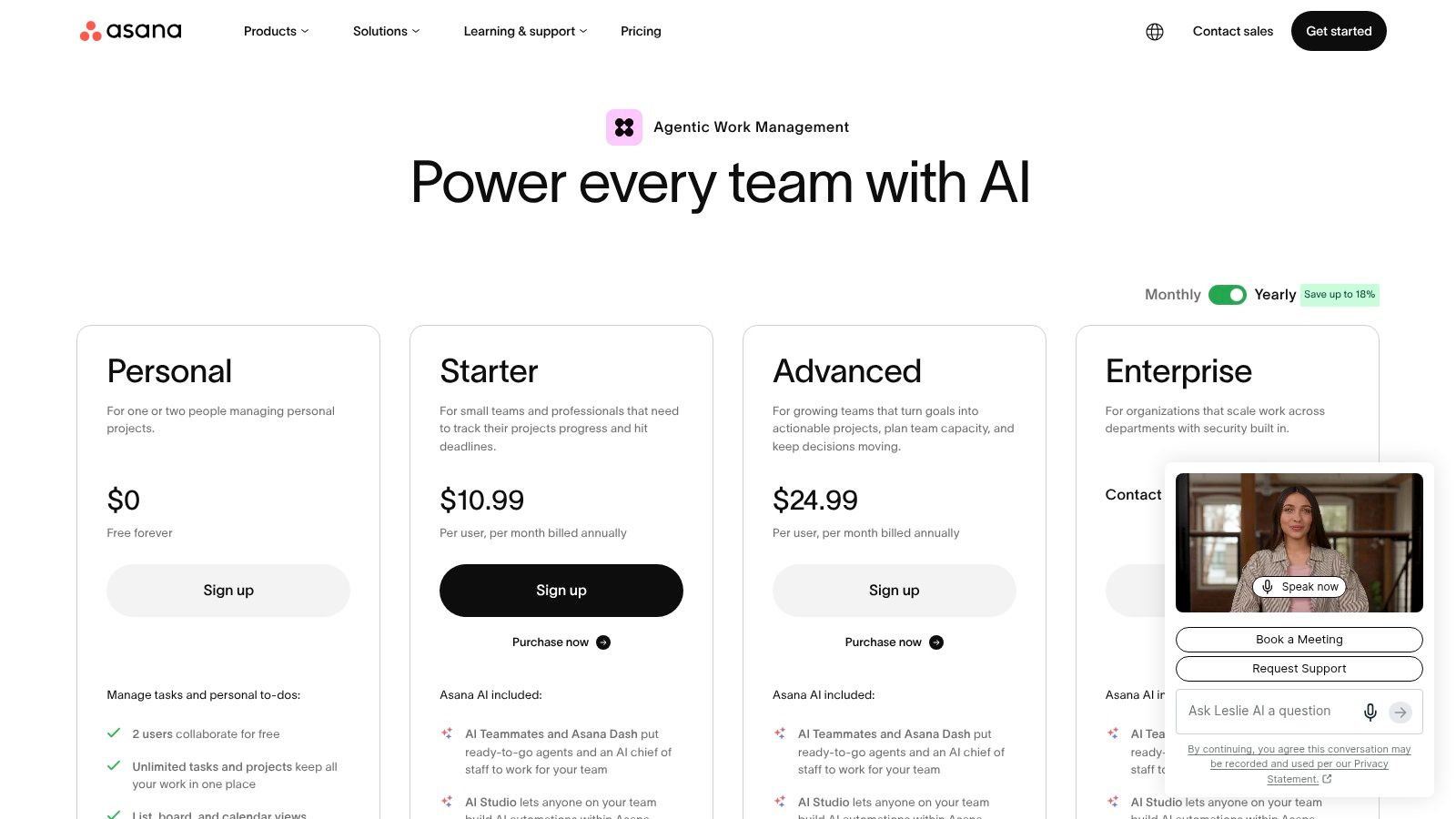
Asana fits best when the thesis has many dependencies, collaborators, or review stages. Its Timeline and Gantt views can help you plan backward from submission, connect tasks across chapters, and show how a delay in data analysis could affect drafting or revision. Milestones and task dependencies give a supervisor or research group more context than a row of unrelated due dates.
Coordinating work across chapters
List, Calendar, and Kanban views offer different ways to manage the same plan. A student might use a board for chapter stages, a timeline for deadlines, and reporting to review the overall project. Custom fields and forms can capture chapter status, review owner, or a blocker that needs discussion. Higher-tier reporting and workload tools are more relevant when supervisors coordinate several projects, rather than one student working alone.
Asana also integrates with tools including Google, Microsoft, Slack, GitHub, and Jira. That can reduce the need to move updates between systems, but each integration adds another place to manage information. Its AI features can help summarize work, generate tasks, and automate workflows, though these aren't a substitute for deciding what “chapter complete” means in your own research.
For chapter-by-chapter planning ideas, see this guide to structuring a dissertation.
Best fit and trade-off
Asana's strength is visibility across tasks and projects. Its depth can feel excessive if you're a solo student who only needs a small set of writing milestones, and some reporting or administrative controls require higher tiers or add-ons. Start with the thesis critical path: proposal approval, data access, analysis, drafting, supervisor review, revision, and submission. If you can't explain why a feature belongs in that sequence, don't add it.
3. ClickUp
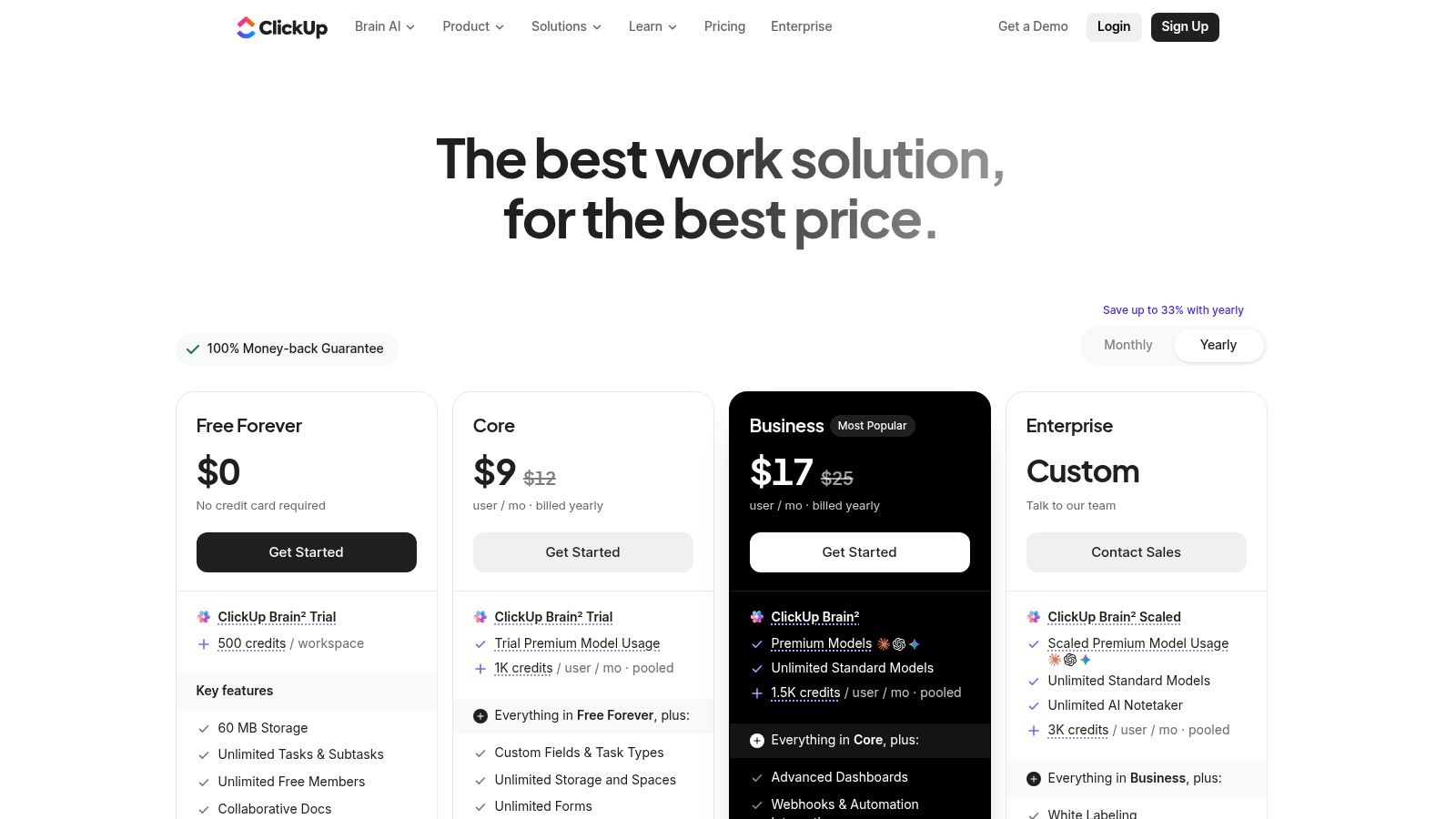
ClickUp suits students who want documents, tasks, goals, and progress views in one configurable workspace. You can keep a thesis plan beside chapter tasks and research checklists, then use dashboards to see what's complete, what's overdue, and what needs attention. Its Gantt and Timeline views are useful for sequencing work, while Mind Map and Whiteboard views can support early-stage planning before the chapter structure settles.
Build the workspace around research decisions
ClickUp includes built-in time tracking and automations, plus documents with comments and annotations. That mix may help when you want to connect a meeting note or supervisor comment to a specific task. Goals and dashboards can roll up work across chapters, but the value depends on setting clear definitions for statuses and completion.
A flexible workspace can become a project of its own. Before building dashboards, decide whether you need to track chapter stage, review status, dependencies, or research risks. If you measure all of them, make sure each signal leads to a useful action rather than adding upkeep.
Best fit and trade-off
ClickUp's free tier is described as generous, and academic and nonprofit discounts are available. The trade-off is setup: its flexibility may require more decisions than a thesis-specific roadmap. Advanced automation and permissions sit on paid tiers. Choose ClickUp if you're comfortable designing a system and want several kinds of work together; choose a simpler tool if maintaining the system could distract from writing.
4. Notion
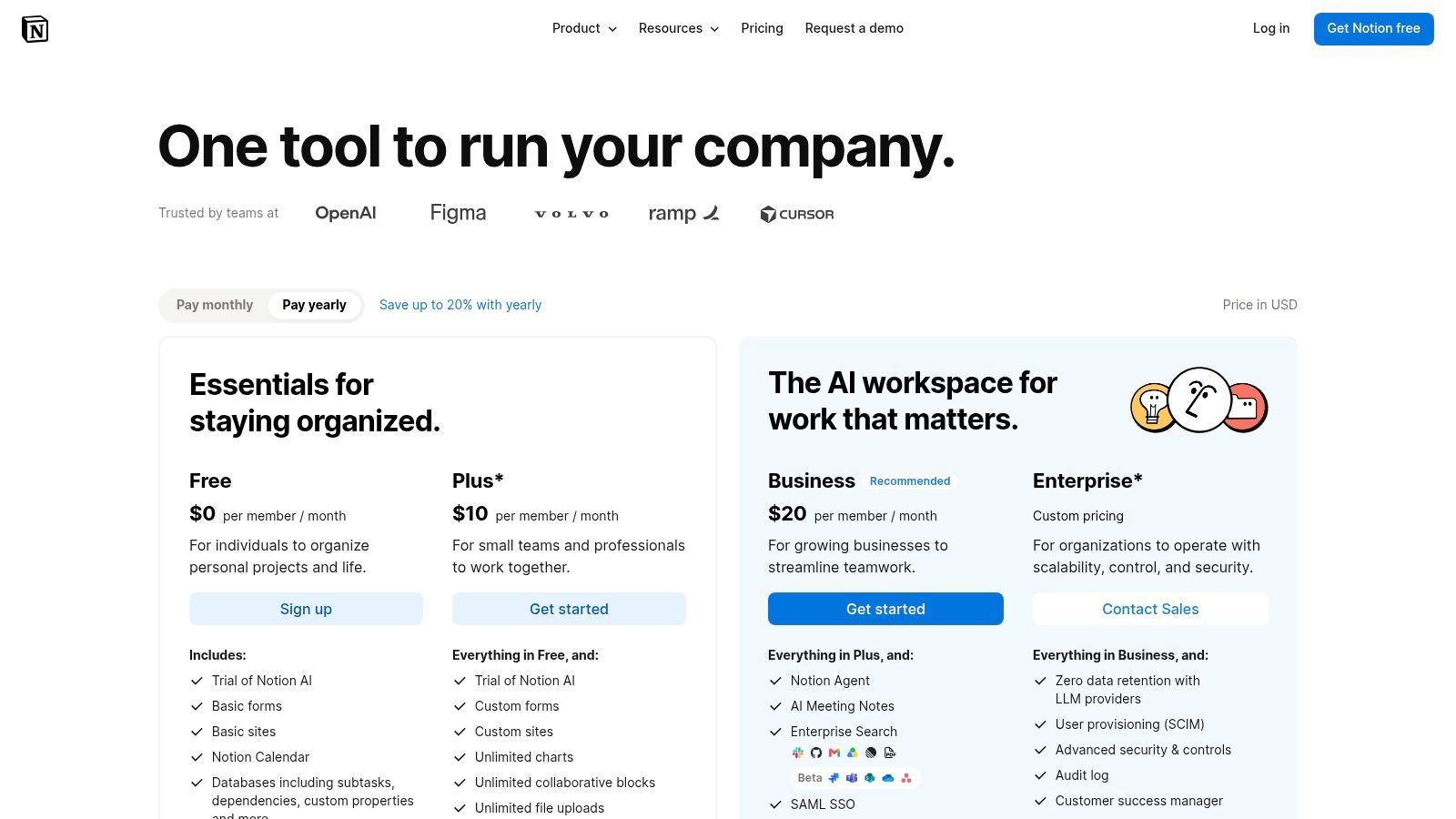
Notion is strongest during proposal planning and knowledge-building, when your research plan, literature matrix, reading notes, and meeting records need to sit close together. Its databases can display the same thesis work as a board, list, calendar, or chart, so you can track chapters by stage without maintaining separate copies of the plan.
Keep research records connected
Templates for research plans, literature matrices, and meeting notes provide a starting point. A source database might record each paper's relevance, reading status, and chapter connection; a separate project database can track drafts and review dates. Sharing and guest access can give supervisors or committee members visibility into selected pages.
The advantage is continuity: the rationale behind a chapter task can live beside the task itself. The risk is that a clean-looking database can conceal an unclear plan. Define statuses that reflect real stages, such as outline, draft, supervisor review, revision, and final, rather than relying on a generic “in progress” label.
Best fit and trade-off
Verified students and educators can access Plus for free with a one-member limit. Optional AI features are available on Business and Enterprise plans, while some analytics also require higher tiers. Notion's dashboards need upfront planning, so it's a good choice if you enjoy shaping a workspace around your research. If you want a ready-made thesis sequence and milestone logic, expect to configure more yourself.
5. Trello
Trello works well when you want to see the writing pipeline at a glance. Create lists such as Outline, Draft, Supervisor Review, Revise, and Final, then move chapter or section cards as their status changes. Checklists, labels, and due dates can make each card specific enough to guide your next work session.
A visible workflow with little setup
The card-and-board model is easy for students, supervisors, and cohorts to understand. A card for a chapter can hold subtasks for drafting, citations, and revision, while labels distinguish blocked work from work that's ready for feedback. Trello's Power-Ups and integrations can extend the board, and Butler automation can handle routine actions.
A board is less effective at representing work that doesn't move in a straight line. For example, analysis may affect multiple chapters, and one supervisor decision can block several tasks. Make dependencies explicit in card descriptions or linked work rather than assuming that moving a card captures the whole project.
Best fit and trade-off
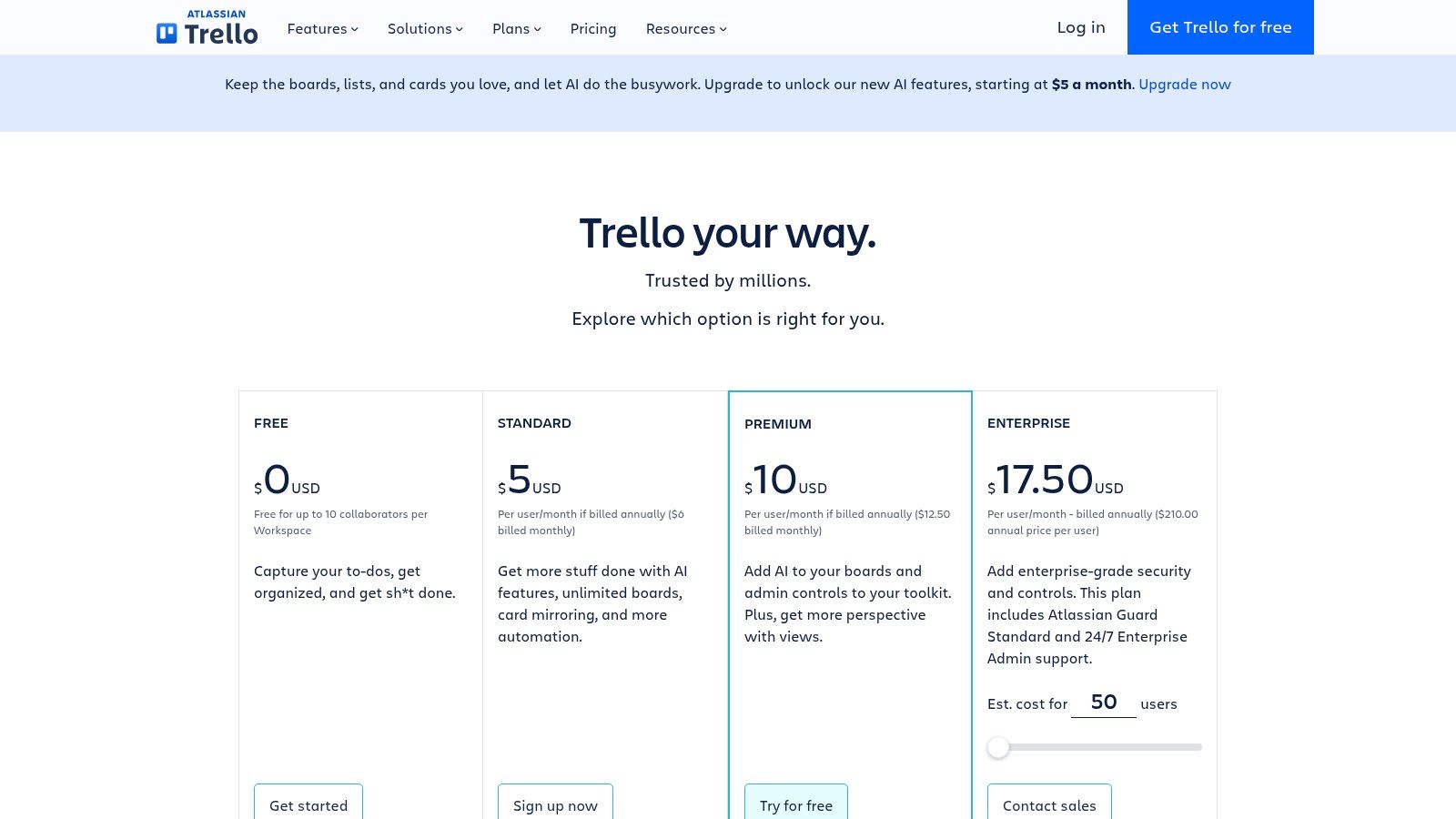
Trello offers lightweight progress tracking, but native reporting is limited on lower tiers. Calendar, Timeline, Table, and Dashboard views are available on Premium, and complex multi-project tracking may require Premium or Enterprise. It's a practical fit for a student who wants a simple visual board; it's less suitable when supervisors need formal roll-ups across many projects.
6. monday.com Work Management
monday.com can help when submission planning involves recurring check-ins or several people need a shared view. Boards can hold chapters, tasks, owners, and status, while Timeline, Gantt, and Calendar views help map work back from the final deadline. Dashboards and automations can surface upcoming milestones or prompt updates before a review meeting.
Use shared visibility carefully
A student can use a board to show which chapters are drafted, awaiting feedback, or undergoing revision. A supervisor can then focus on decisions and blockers rather than asking for a fresh status report. For a cohort, dashboards may make it easier to compare workflows, but visibility should support communication, not turn a student's progress into a ranking.
That distinction matters. A UK postgraduate research analysis identifies ethics approval, human-subject data collection, cross-organisation work, and funding expiry among recurring causes of delay, and notes that many schools consider the standard three-year PhD timeframe insufficient (the UK postgraduate research analysis). A board that tracks only completed tasks may miss these external blockers, so include dependencies, uncertainty, and schedule impact.
Best fit and trade-off
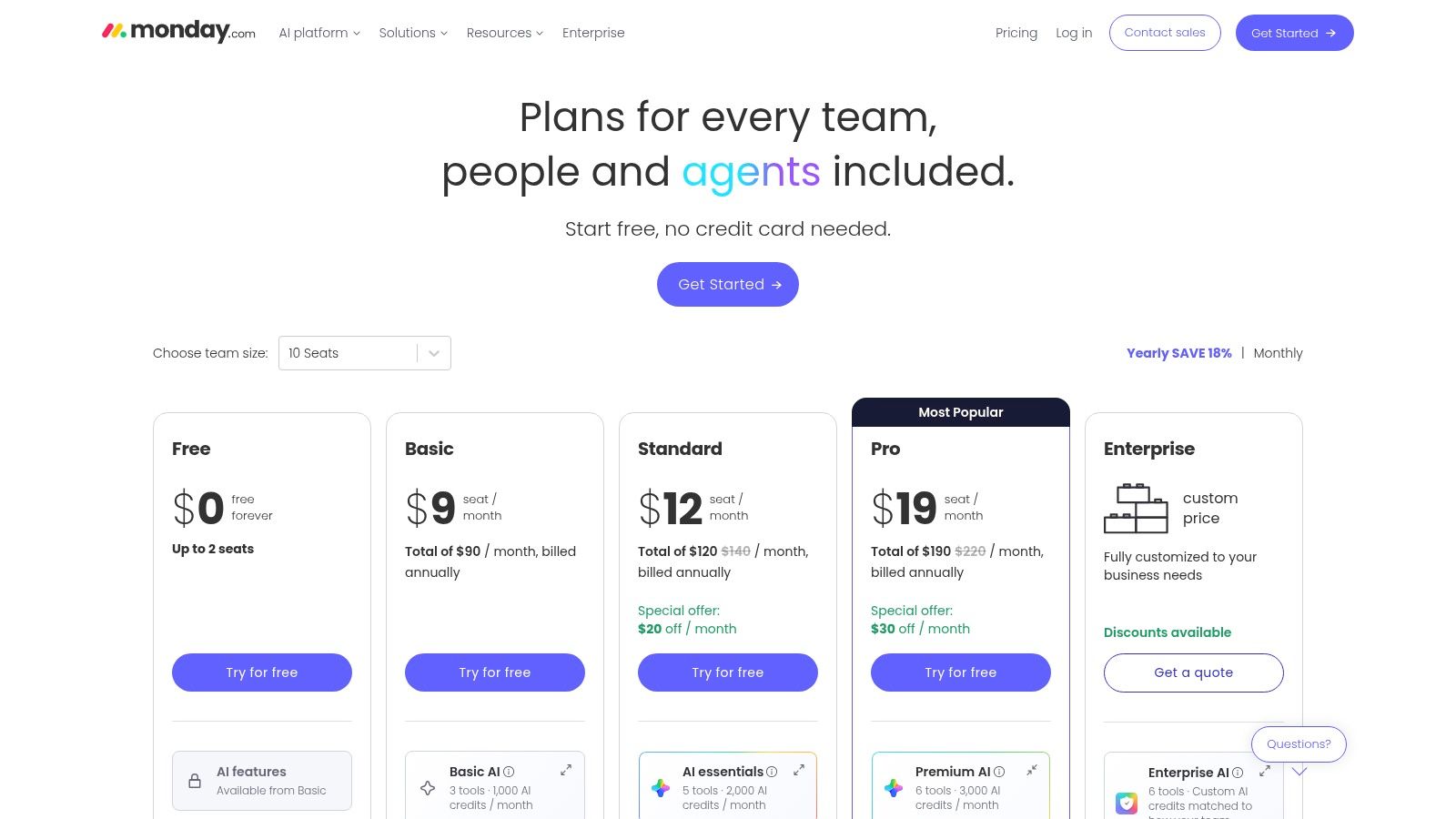
monday.com offers customizable dashboards and notifications, and nonprofit pricing is available. Its free plan is intended for very small use; advanced views and automations require paid tiers. Pricing uses per-seat bundles and can vary by currency, so confirm the cost for your group before choosing it. For writing-focused resources alongside project planning, you can also find writing tools at BarkerBooks.
7. Airtable
Airtable is a good fit when the thesis generates structured material that needs more than a simple task list. You can link chapters to sources, experiments, deadlines, or other research artifacts, then use custom views and interfaces to present the work as a tracker. That database approach is useful when a literature review or project includes records with different relationships.
Structure the evidence behind progress
For example, a source record might connect to a literature-review section, while a chapter record holds draft status and review notes. Custom metrics and charts can help show progress in a way that makes sense to a supervisor or program coordinator. Read-only collaborators are free on paid tiers, which can be useful when others need to inspect a view without editing the underlying records.
The analytical benefit comes with a setup cost. You'll need to define fields, relationships, and views before the tracker becomes useful. If all you need is a personal writing queue, a database may be more system than the project requires.
Best fit and trade-off
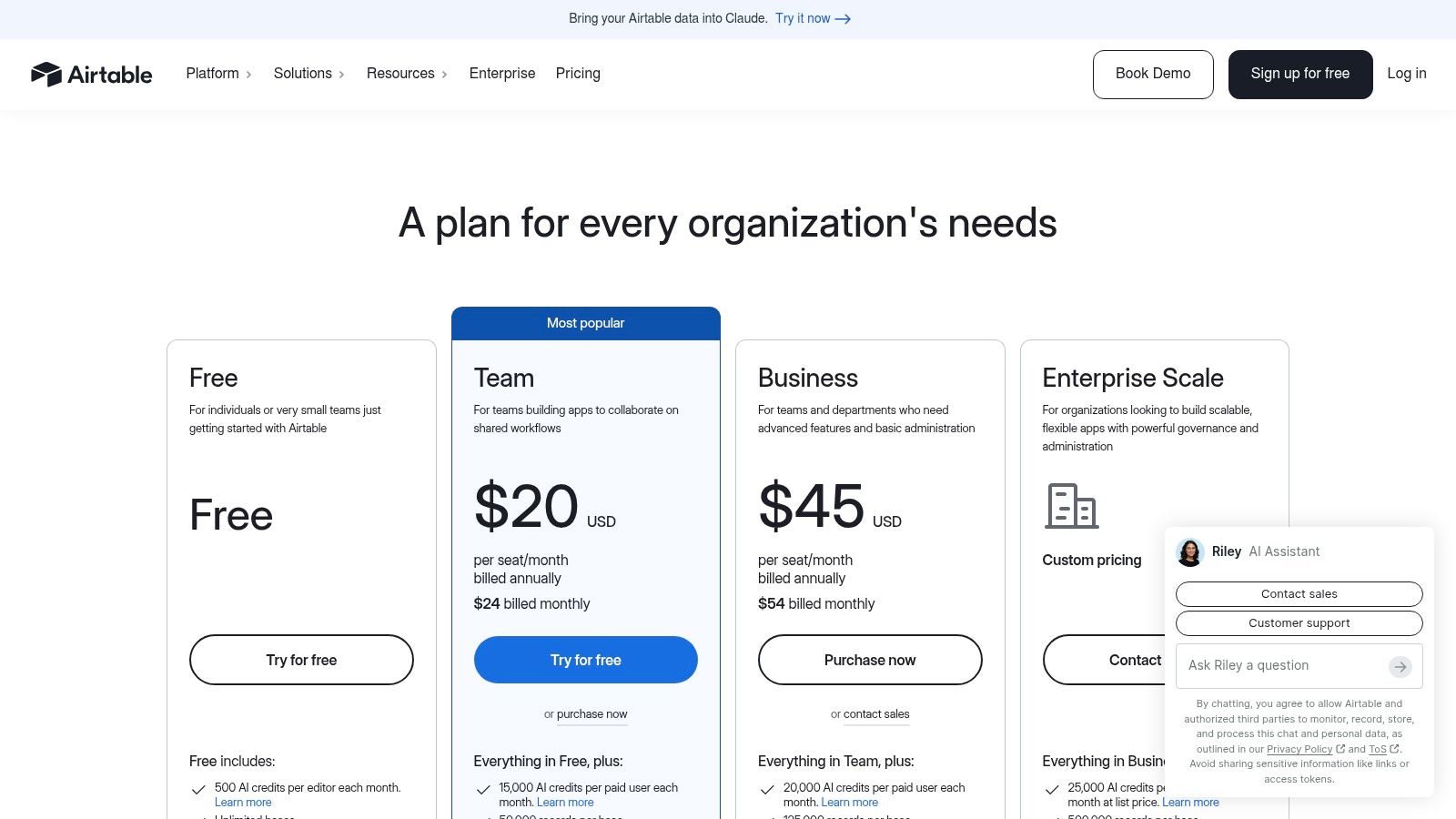
Airtable can scale from individual tracking to organizational governance, but advanced scale and governance features require Business or Enterprise. Its interfaces and charts can make status easier to present, yet the underlying database still needs careful maintenance. Choose it when your thesis work is structured around connected records, not because a spreadsheet feels familiar.
8. Smartsheet
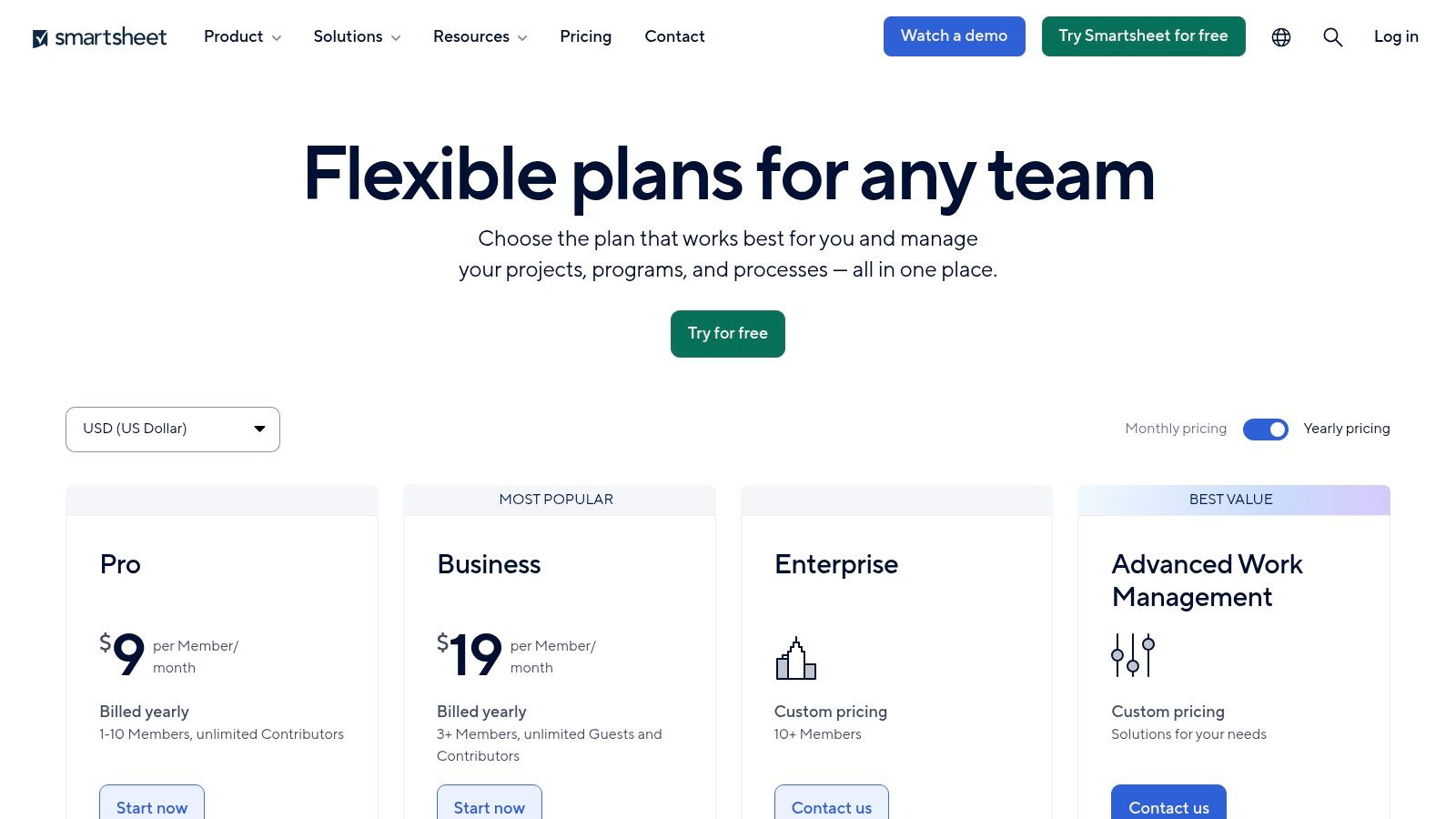
Smartsheet suits users who want formal milestone controls and spreadsheet-style reporting. Its sheets can present work in Grid, Gantt, Calendar, or Board views, while dashboards and reports can summarize status across projects. That can help when a supervisor or program coordinator needs a consistent view of deadlines, owners, and progress.
Make reporting answer a decision
A milestone report is useful only if it shows what someone should do next. If a chapter is late, record whether the cause is drafting time, pending feedback, an unresolved method, or an external approval. That context helps a supervisor distinguish a manageable slip from a risk to the submission plan.
Smartsheet offers portfolio and program features on Business and Enterprise plans, with add-ons such as Dynamic View, Data Shuttle, and Control Center. A 30-day free trial is available (Smartsheet pricing details). Because the platform's reporting can be formal, agree who can see or edit sensitive progress information before inviting collaborators.
Best fit and trade-off
Smartsheet's spreadsheet-like structure may feel familiar, but users who don't already work comfortably with spreadsheets may face a learning curve. Many premium capabilities require higher tiers or add-ons. It's most compelling when a university or research group already needs structured oversight across projects, rather than for a student who only wants to track personal writing tasks.
9. Todoist
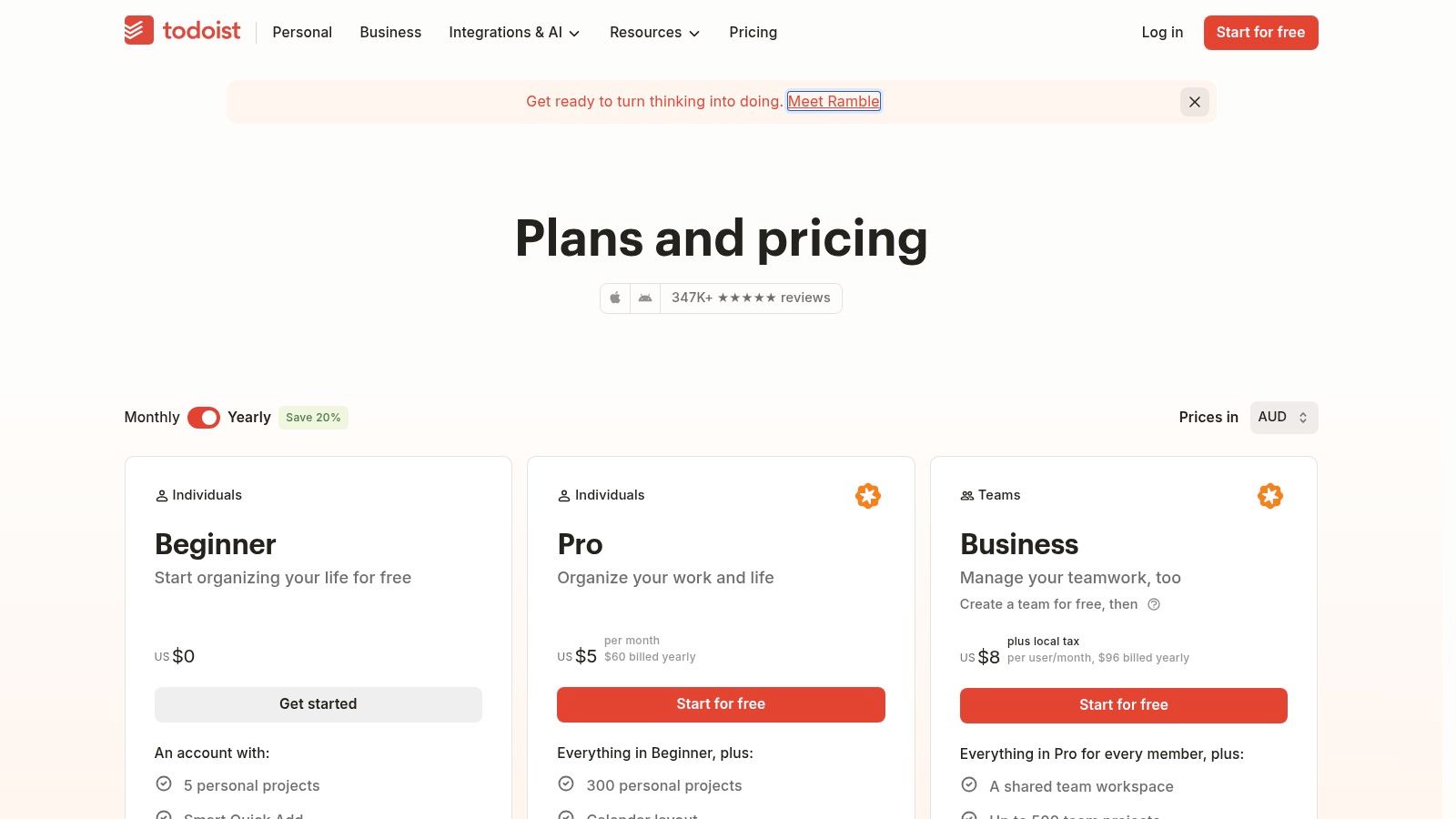
Todoist is for the daily layer of thesis progress: choosing the next action and making time to do it. Tasks can cover reading, writing, analysis, or supervisor follow-up, with labels, filters, and reminders helping you sort work by chapter or priority. List, Board, and Calendar views support different planning styles, while productivity trends and reporting history offer lightweight personal insight.
Turn milestones into next actions
A thesis milestone such as “revise the literature review” is too broad to guide a work session. Todoist is better suited to actions like “check supervisor comments on the literature review” or “update the synthesis for the methods debate.” Calendar sync and cross-platform apps can help keep those actions visible alongside other commitments.
For a larger planning system, pair daily tasks with a separate chapter roadmap and review milestone dates regularly. A task manager can show that you completed today's work; it won't necessarily show whether the research is on track for submission. This guide to managing time during a PhD offers a complementary way to think about workload and routines.
Best fit and trade-off
Todoist supports lightweight personal tracking, but it's less suited to complex multi-project reporting than project-management suites. Its Business workspace includes roles and permissions, while pricing details may depend on locale and billing selection. Choose it if you need a low-friction action list, not if you expect it to manage chapter dependencies, supervisor review, and program-wide reporting by itself.
10. Toggl Track
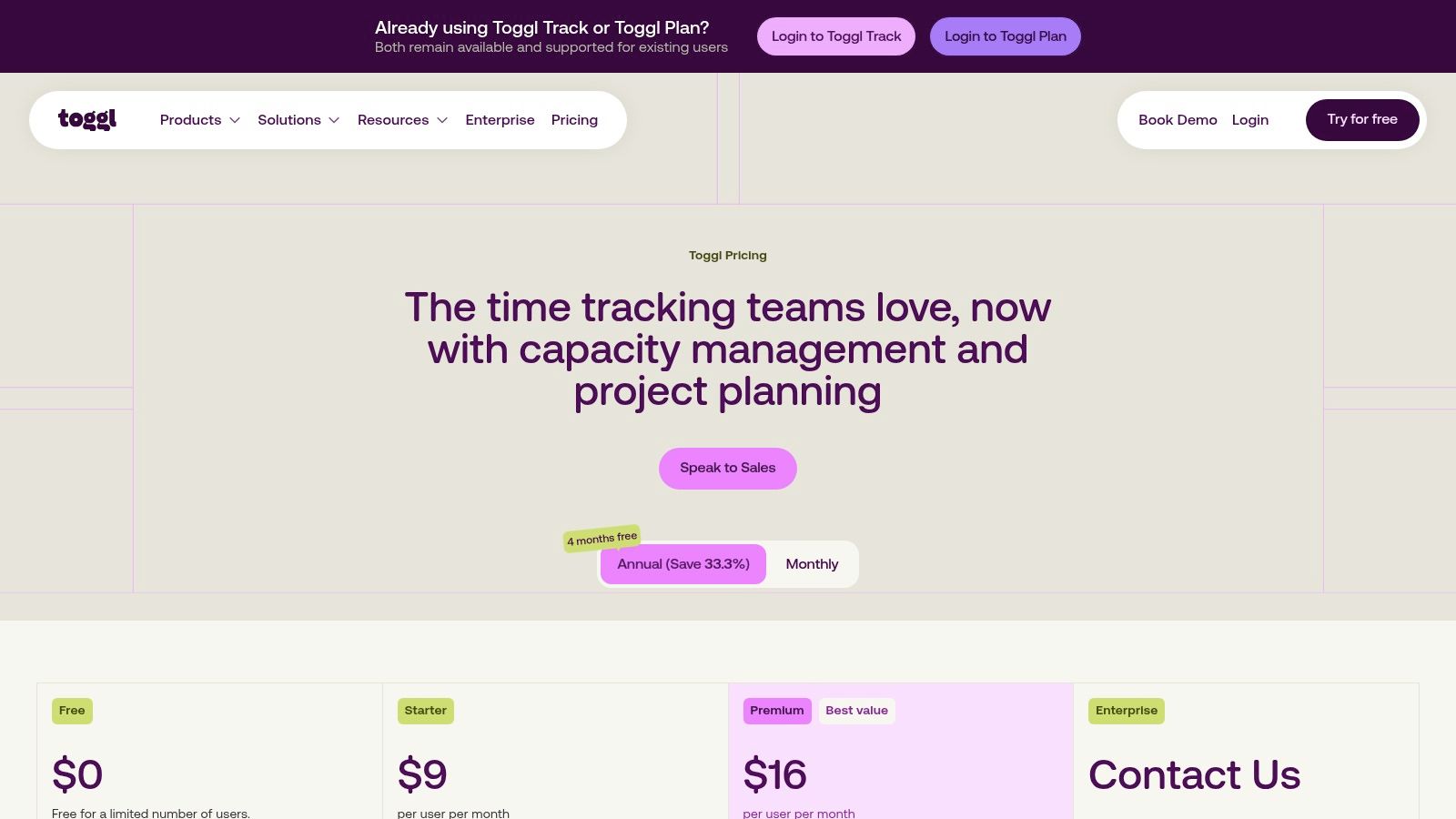
Toggl Track answers a question most task managers can't answer clearly: how much time are you spending on different kinds of thesis work? Manual and automatic timers, calendar integrations, and project dashboards can help you record time spent reading, drafting, analysis, or revision. If you track consistently, that record can help you estimate effort and compare it with your plan.
Measure effort without mistaking it for completion
Time data can make supervisor conversations more concrete. You can explain that a chapter has required substantial analysis time while still being incomplete, or use past work patterns to estimate whether a planned writing block is realistic. Project dashboards include labor cost, profitability, utilization, and workload views, with CSV and PDF reporting and guest sharing.
But hours logged aren't a measure of thesis quality or readiness. A student can spend a long time on a section without resolving its argument, and a polished draft can still need supervisor review. Treat time as one signal alongside chapter status, milestone completion, and blockers.
Best fit and trade-off
Toggl Track's value depends on recording time consistently. Forecasting can estimate timelines from tracking patterns, but estimates won't help if your logging habits vary. Some exports, approvals, and profitability features require Premium. Use it if effort measurement is a real need; combine it with a chapter tracker if you also need to know what remains before submission.
Top 10 Online Progress Trackers: Feature Comparison
| Tool | Thesis-Workflow Fit | Standout Features | Best For | Price & Value |
|---|---|---|---|---|
| 🏆 Thesis Book Project | ★★★★★ Thesis-specific roadmap, chapter tracking, deadline planning, and source manager | ✨ Supervisor sharing, cohort dashboards, and human-written editorial guides | 👥 Students, PhD candidates, researchers, and supervisors | 💰 Free Starter; Pro $8/month; Team $19/month |
| Asana | ★★★★☆ Flexible milestone and project tracking; not thesis-specific | ✨ Timelines, dependencies, dashboards, and integrations | 👥 Researchers and teams coordinating complex projects | 💰 Free and paid plans; advanced reporting may cost extra |
| ClickUp | ★★★★☆ Configurable thesis plans, documents, goals, and dashboards | ✨ Broad workspace with automations and multiple views | 👥 Users wanting an adaptable all-in-one workspace | 💰 Free tier; paid plans add advanced features |
| Notion | ★★★★☆ Build custom thesis roadmaps, chapter trackers, and reading logs | ✨ Flexible databases, templates, and supervisor sharing | 👥 Students who like to design their own system | 💰 Student and educator perks; paid upgrades available |
| Trello | ★★★☆☆ Simple visual tracking for thesis stages and tasks | ✨ Quick-start Kanban boards with cards and checklists | 👥 Solo students and small groups wanting simplicity | 💰 Free and paid plans; advanced views on higher tiers |
| monday.com Work Management | ★★★★☆ Boards and timelines support deadlines and cohort tracking | ✨ Custom dashboards, notifications, and automations | 👥 Supervisors, teams, and academic programs | 💰 Free option for small use; paid pricing varies by seat |
| Airtable | ★★★★☆ Structured tracking for chapters, sources, experiments, and deadlines | ✨ Relational databases, custom interfaces, and reporting | 👥 Researchers who need structured, customizable data | 💰 Free and paid plans; advanced capabilities cost more |
| Smartsheet | ★★★★☆ Formal milestone tracking and progress roll-ups | ✨ Spreadsheet-style sheets, reports, and portfolio oversight | 👥 Programs and teams needing formal reporting | 💰 Free trial; premium features may require higher tiers or add-ons |
| Todoist | ★★★☆☆ Useful for daily writing, reading, and chapter tasks | ✨ Lightweight reminders, filters, and productivity trends | 👥 Students focused on personal next actions | 💰 Free and paid plans; pricing varies by locale and billing |
| Toggl Track | ★★☆☆☆ Tracks time spent on research and writing rather than thesis structure | ✨ Time-based reports and forecasting | 👥 Researchers who want to measure effort and estimate timelines | 💰 Free and paid plans; some reports require Premium |
Choose the Workflow You Can Keep Using
The best progress tracker online isn't necessarily the one with the most features. It's the one you'll maintain from proposal to submission, including when the work is difficult or your schedule changes. Academic-first platforms offer a clearer thesis-specific path, while general-purpose tools can provide deeper customization, time measurement, collaboration, or institutional reporting.
Test a tool against the full lifecycle before committing. Can you plan backward from your submission date? Can you track chapters and sections from outline through draft, review, and revision? Can you record sources and research status without duplicating information? Can your supervisor see the updates that support a useful meeting, while sensitive details remain under your control?
A progress bar isn't a risk model. Track what's complete, what's blocked, what depends on an external decision, and how a delay affects the schedule.
That distinction matters because dashboard activity and academic outcomes aren't interchangeable. A large distance-education study involving 15,321 students found an association between dashboard use and higher online learning interaction, but no statistically significant difference in end-of-term grades (the distance-education dashboard study). For thesis tracking, use separate measures for engagement, milestone execution, and longer-term submission progress rather than treating frequent updates as proof of research quality.
Consider supervision and privacy as part of the tool choice, too. A 2025 Utrecht University PhD survey found that 22% of candidates did not expect to finish on time, rising to 30% among final-year candidates; it also reported that discussing mental health remained more difficult despite broader improvements in discussing research struggles (the Utrecht University PhD survey). A tracker should help you explain a blocker and agree on a next step, not make every delay feel like a public performance.
Before subscribing, check whether export, integrations, offline access, collaborator permissions, and pricing limits fit your project. A practical study plan for working adults can also help you think through how a thesis schedule needs to coexist with other responsibilities. Choose the simplest system that captures the decisions you need to make, then keep its statuses and check-ins consistent.
Thesis Book Project brings a thesis roadmap, chapter tracking, milestone planning, progress insights, source organization, and supervisor sharing together in one online workflow. If you want a tracker designed around the path from proposal to submission, visit Thesis Book Project and see whether its roadmap fits your research.
Related Articles
How to Avoiding Plagiarism in Your Thesis the Right Way
You've got a source open beside your draft, a sentence that captures the point perfectly, and a...
Thesis WritingHow Long Does It Take to Write a Dissertation
Dissertation writing itself usually takes 9 to 18 months of focused work for a full-time PhD candida...
Thesis WritingLiterature Review Introduction Example: 6 Annotated Models
A weak literature review introduction does more than look unpolished. It changes how examiners read...
Comments (0)
No comments yet. Be the first to share your thoughts.